Setting Up the Ricoh GR
CORE IDEA
One Setup. Locked. Forever.
What's popping, people — it's Dante. Today we are locking down your Ricoh GR — one time, completely, non-negotiably. This is not a menu you revisit on the street. This is not a starting point you "customize later." You set it exactly the way I'm about to show you, and then you never touch it again. The setup is the freedom.
LEARNING OBJECTIVE
What You'll Walk Away With
By the end of this lesson your camera will be a fully installed machine — mode, focus, exposure, file format, image control, buttons, and display all locked in. You won't wonder what to change. You won't tweak on the street. You'll understand the reasoning behind every decision, and you'll be ready to walk out the door and shoot.
WHY THIS MATTERS
Menus Are the Enemy of Flow
Here's why this matters more than you think: every time you dive into a menu on the street, you leave the world. You stop seeing. You miss the frame. The whole point of the FLUX system is to keep you present and moving — and that only happens when the camera is already set up before you leave home.
Constraint Is the Engine
There's a deeper principle here too: constraint is the engine of this practice. The less you have to decide about the camera, the more you can give to the photograph. Remove the variables and what's left is instinct — which is exactly where you want to be operating.
MAIN TEACHING
Shooting Mode: AV at f/8
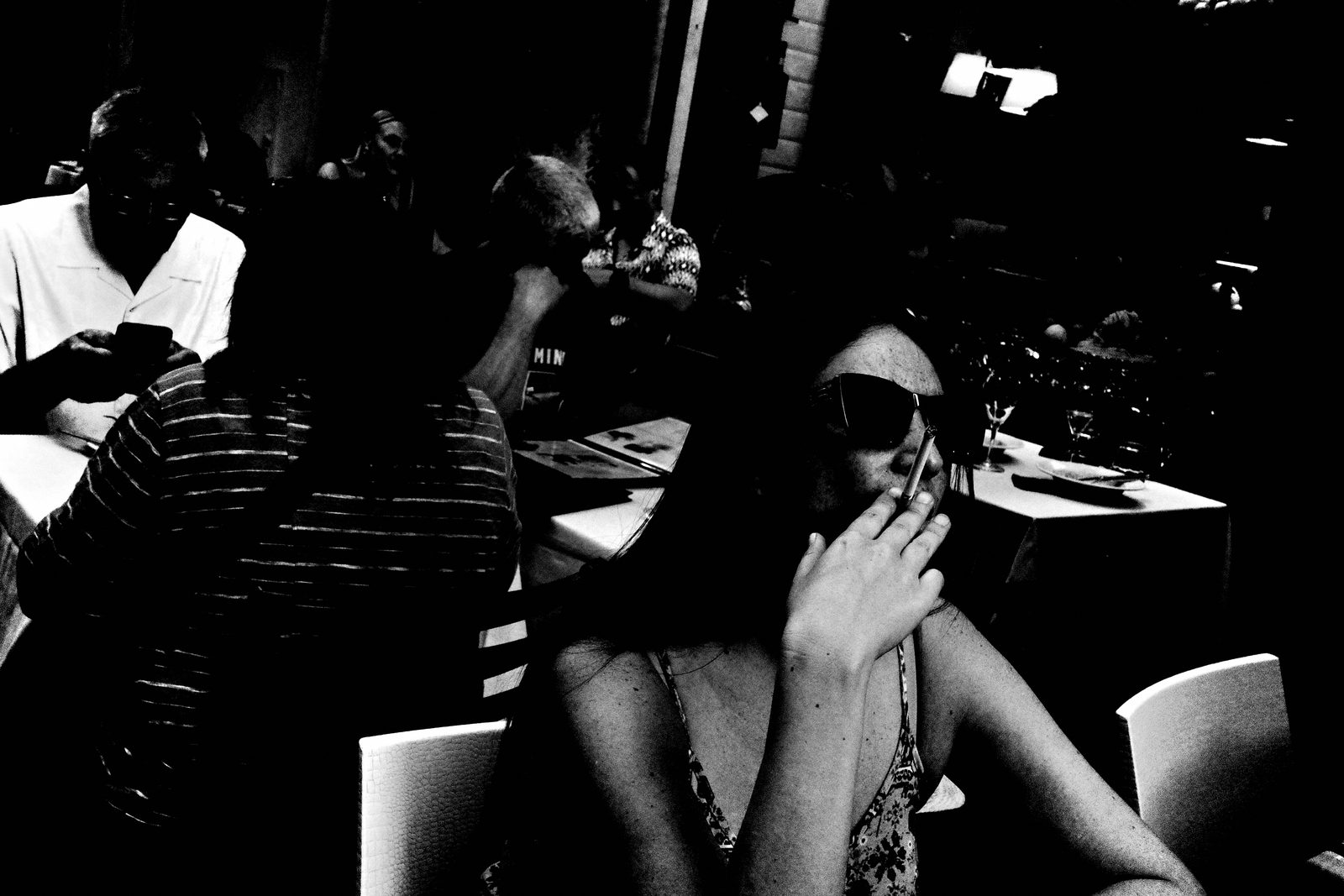
Start with your shooting mode. Set it to AV — Aperture Priority — and set your aperture to f/8. That's where it lives. Ninety percent of the time you are in AV mode. You can use P mode occasionally, but f/8 is the default and you do not move it. We are letting the camera do the exposure work so your brain can do the seeing work.
Focus: Snap at 2 Meters
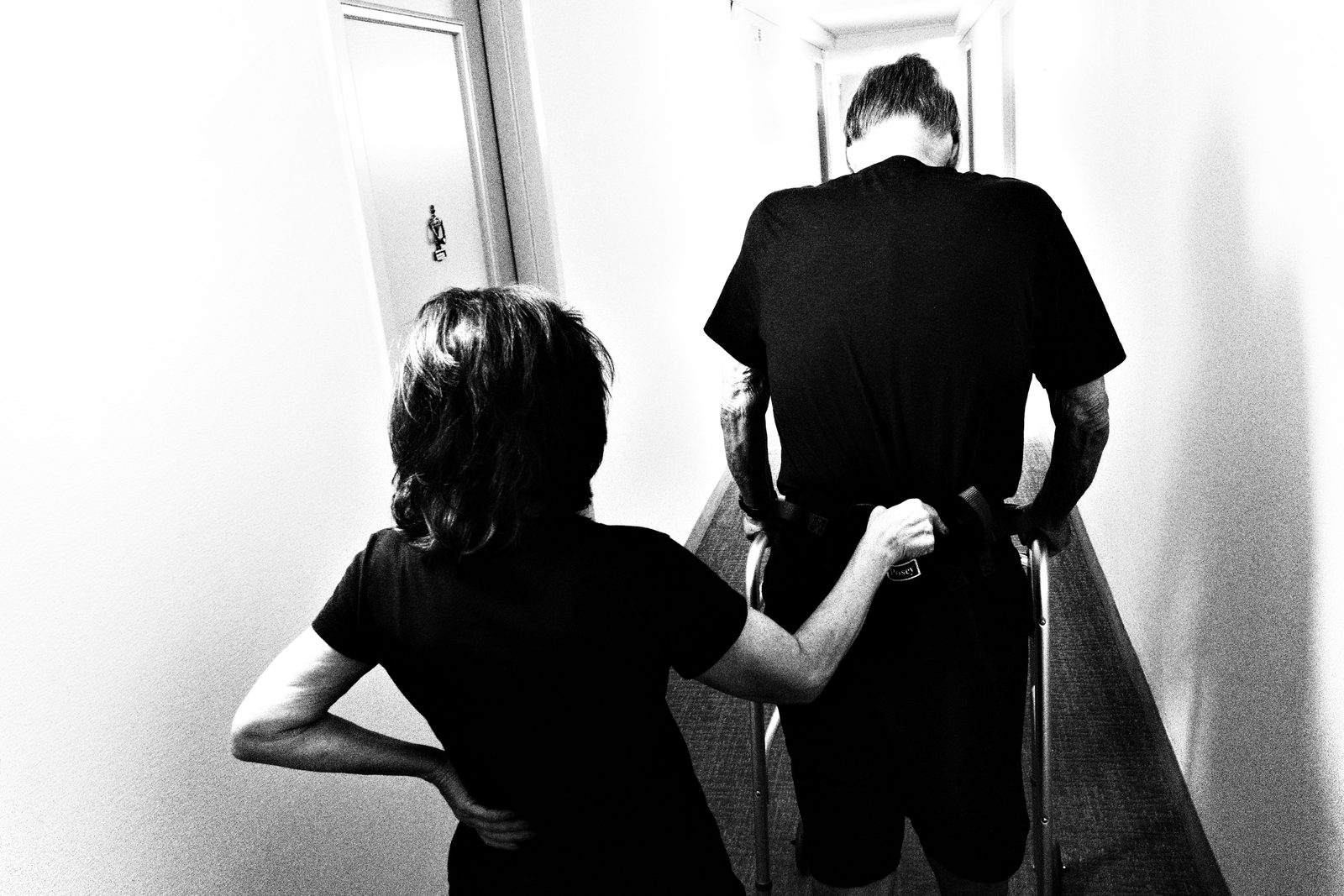
Focus next. Set your Focus Mode to Single Point — Select AF. Set your Snap Focus distance to 2 meters. Full Press Snap: Off. AF Assist Light: Off. Then assign your Fn button to Snap. Now you can toggle instantly between Single Point AF and Snap Focus. In Snap at 2 meters, roughly one meter to infinity is in focus — raise it, point it, it's sharp. GRIIIx users: use f/9 and 3.5 meters snap distance.
Exposure: Auto ISO, Fixed Shutter Floor
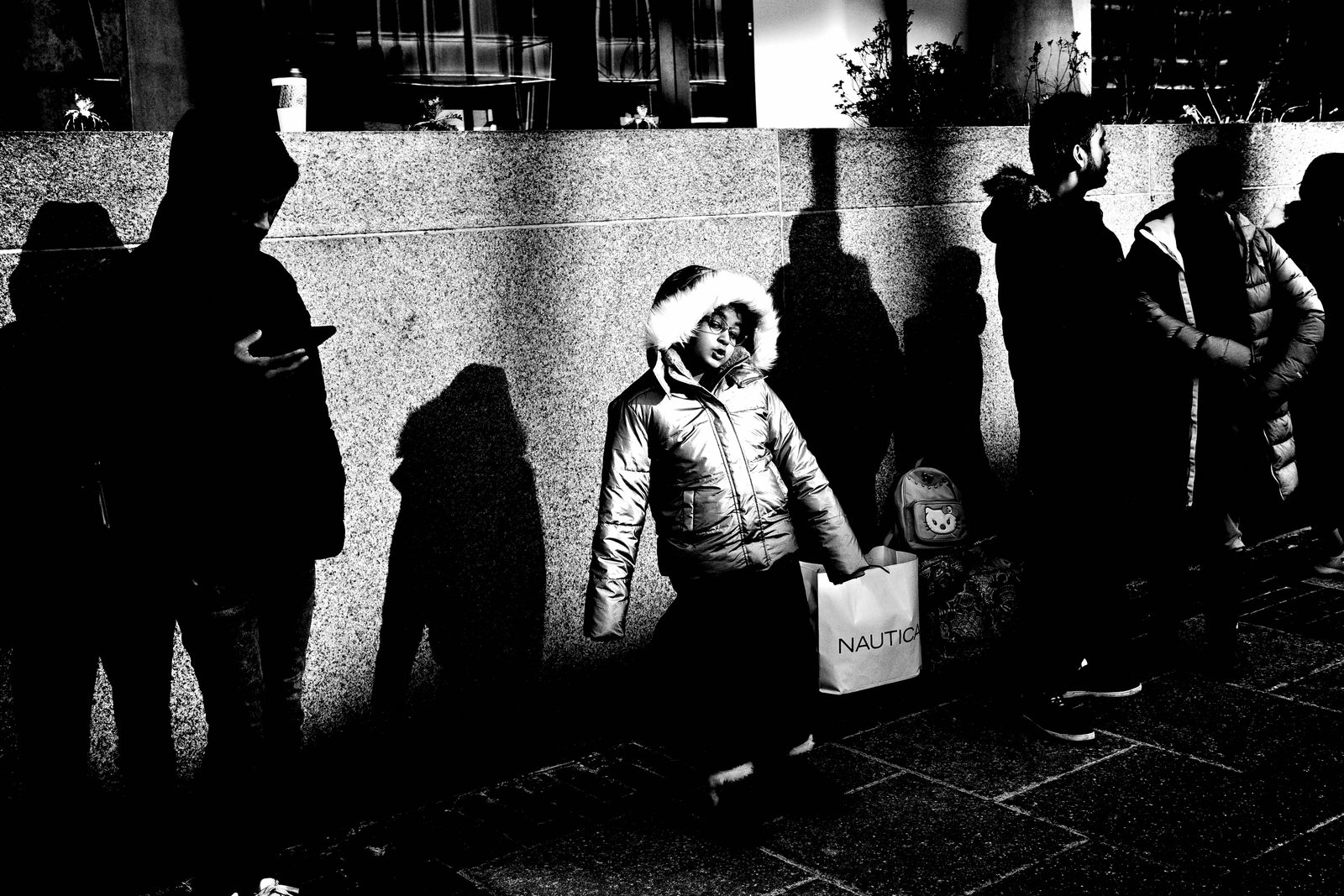
Exposure. Set metering to Multi-segment. ISO goes to Auto — lower limit 160, upper limit 25,600. Minimum shutter speed: 1/500. That floor keeps your frames sharp while you move. And here's the only control you will actually touch on the street: the Exposure Compensation dial. Not the shutter. Not the ISO. Not the aperture. Just exposure comp. If you want deeper shadows, underexpose. That's it.
File Format: JPEG Only, Small, 3:2
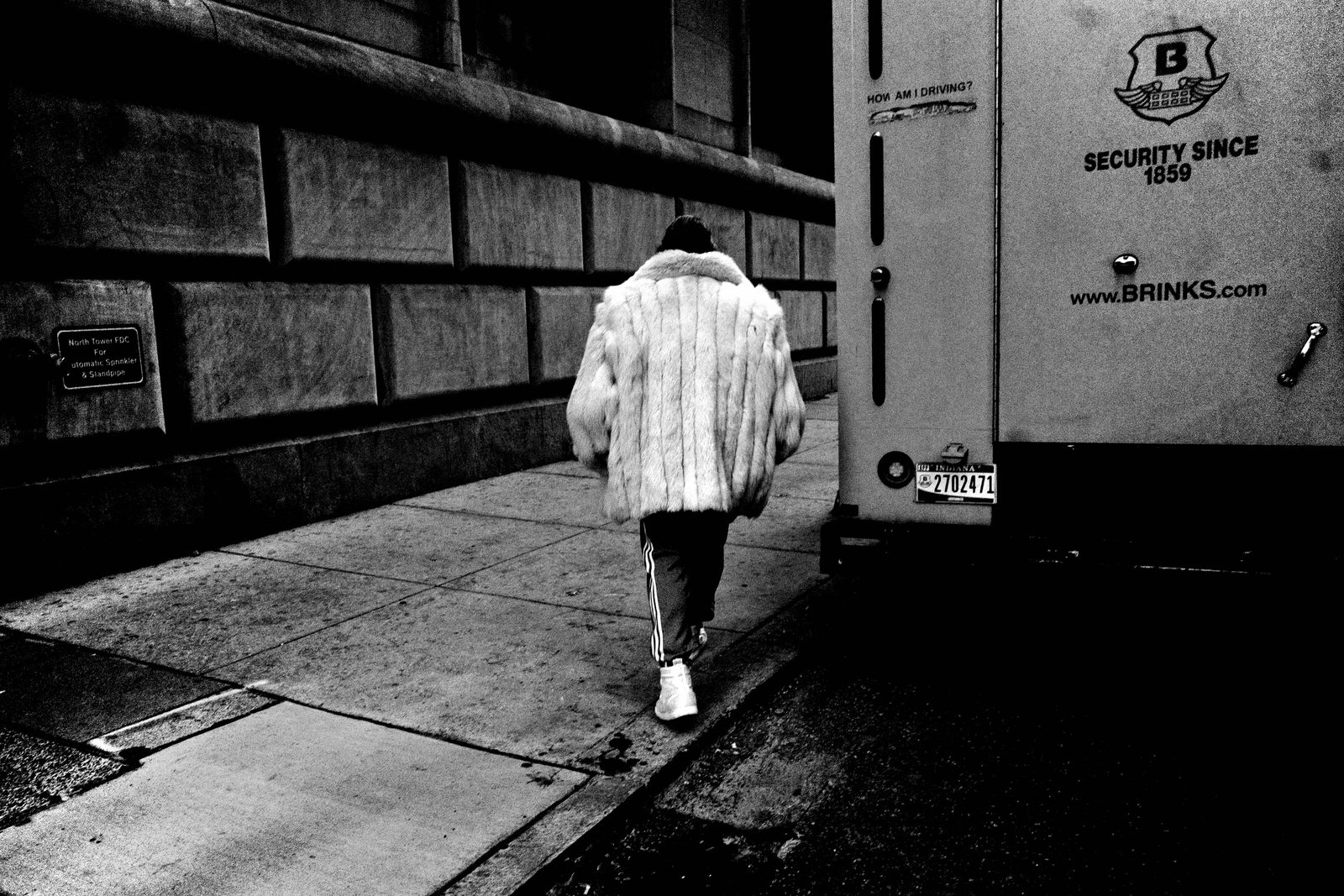
File format. JPEG only. Do not shoot RAW. Do not shoot RAW plus JPEG. The aspect ratio is 3:2. Small JPEG — approximately 3504 by 2336 pixels. Small files create speed. Speed creates rhythm. RAW creates backlog. And backlog kills the practice. Commit to JPEG. What you see is what you get. Everything is baked in.
Image Control: High Contrast B&W Baked In
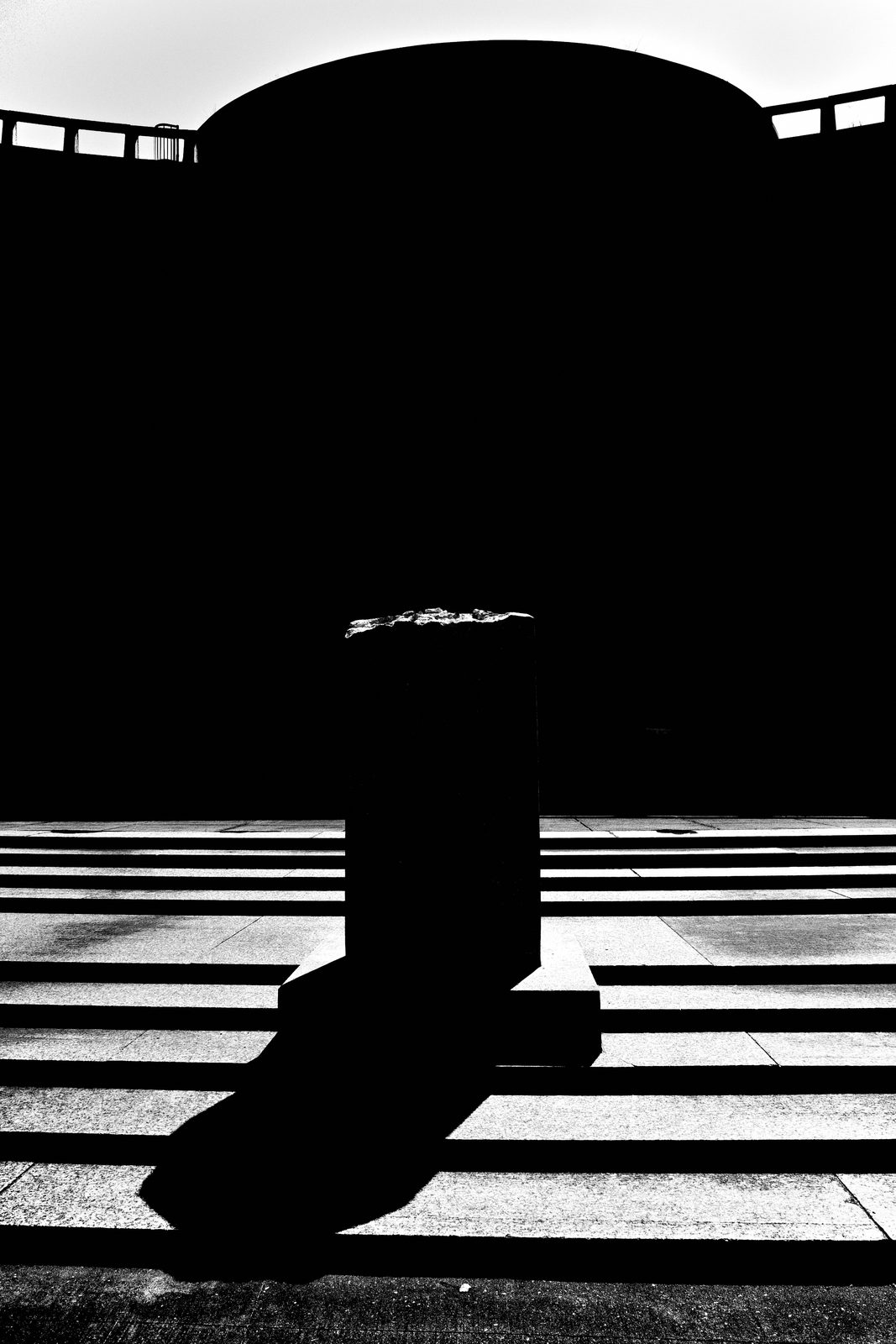
Now the image control — this is where the look lives. Set Image Control to High Contrast B W. Enter these exact values: High/Low Key minus 2, Contrast plus 4, Highlight Contrast minus 4, Shadow Contrast 0, Sharpness plus 4, Shading plus 4, Clarity plus 4. Grain: On, Size 2. Toning: Off. Every frame baked. No fixing in post. Set it once and never touch it again.
Button Layout: Strip It Down
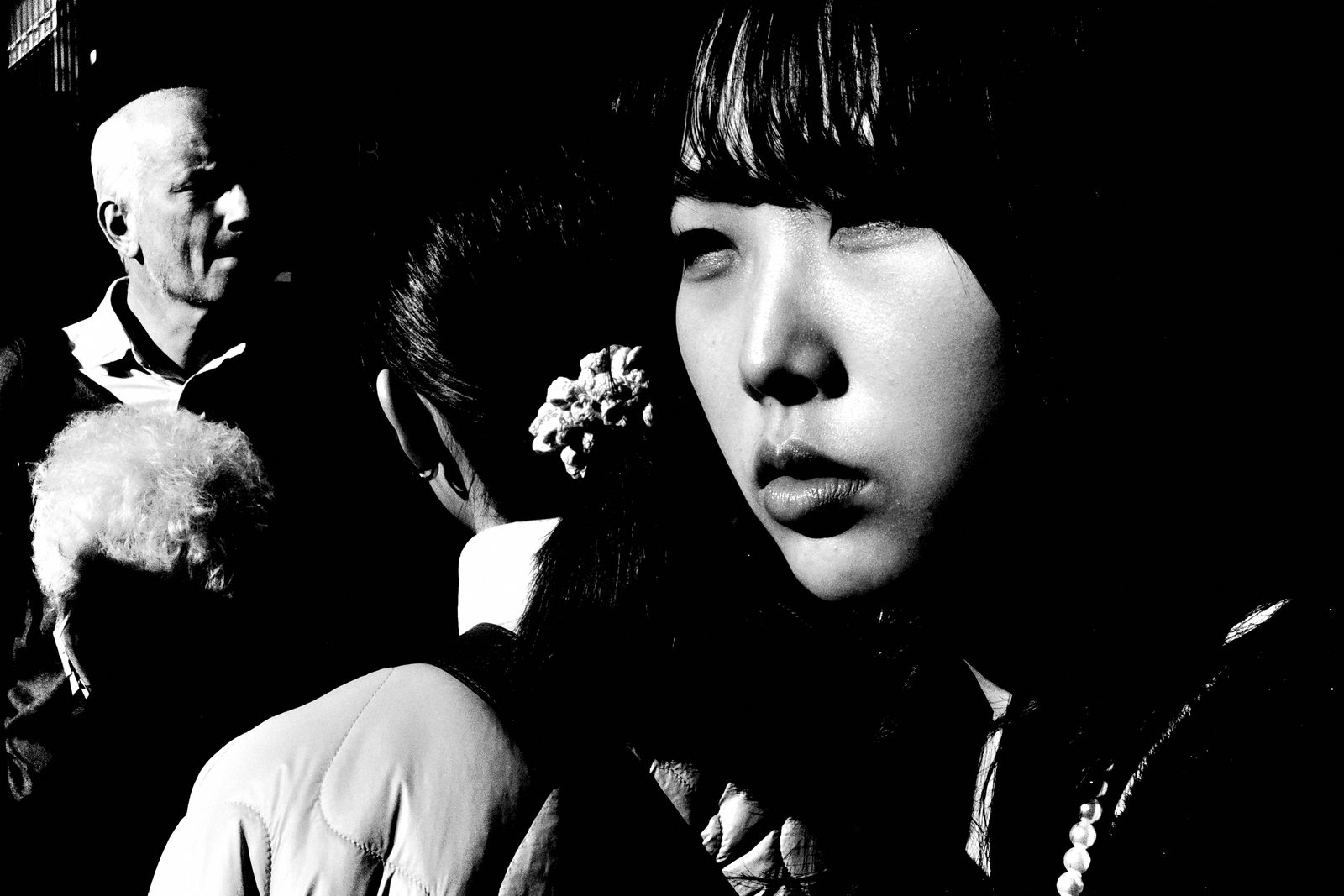
Buttons. Fn button is Snap — that's it. Display Custom Setting 1 is Snap Focus Distance. Custom Settings 2 through 5: all Off. Movie Button becomes Crop Mode. Touch AF: Off. You are removing every shortcut that isn't essential. The buttons should only do the two things you actually need on the street — toggle snap and switch crop. Everything else is noise.
Display: Minimum Information, Maximum Presence
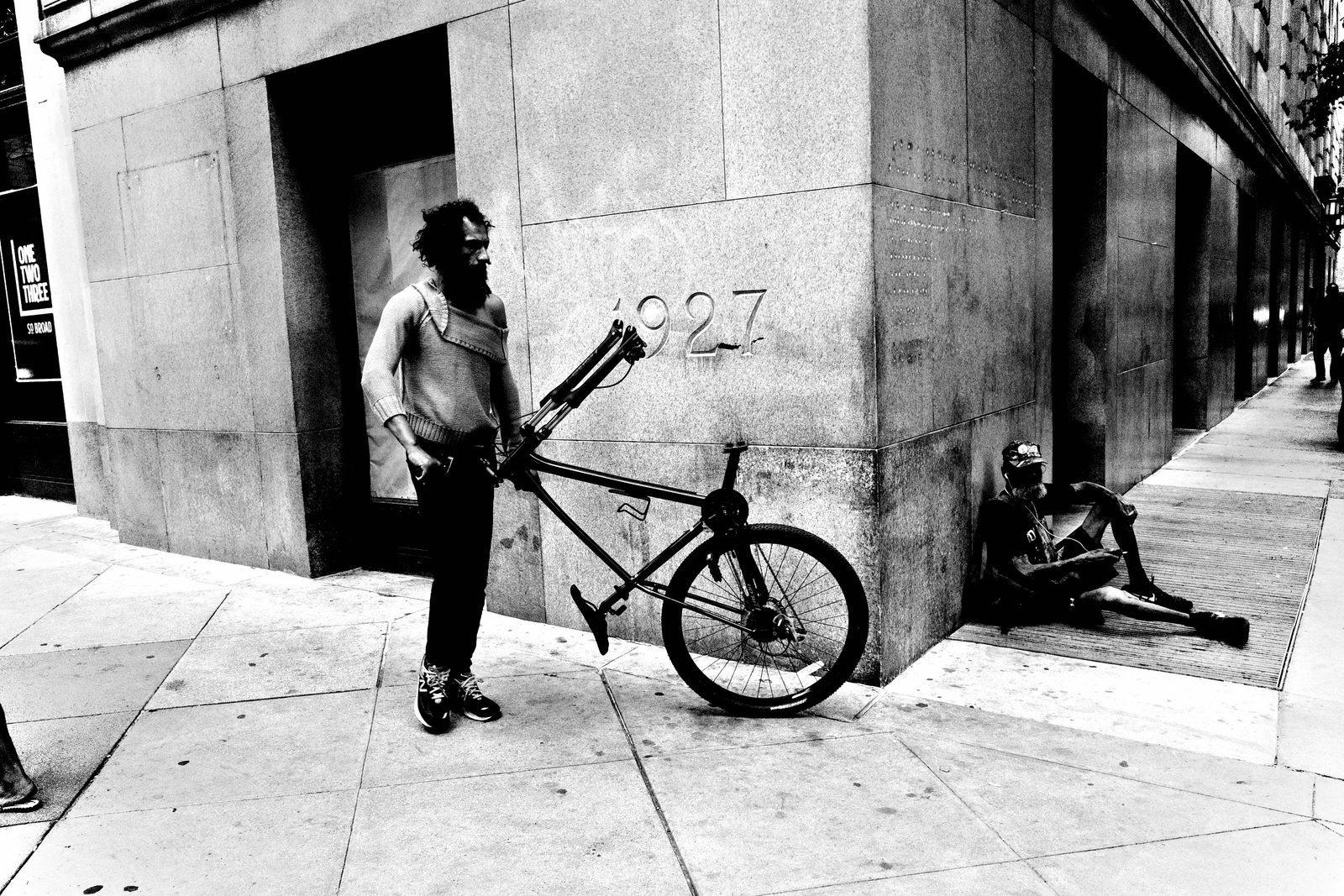
Display settings. Shooting Info Display: Simplified. Playback Info Display: nothing selected. Grid: 4×4. Guide Display: Off. Power Button Lamp: Off. Auto Power Off: Off. Sleep Mode: Off. Your LCD should show shutter speed, aperture, ISO, exposure compensation, and the grid. Nothing else. Remove all visual clutter. The less your screen pulls your eye, the more the world does.
The Final Checklist
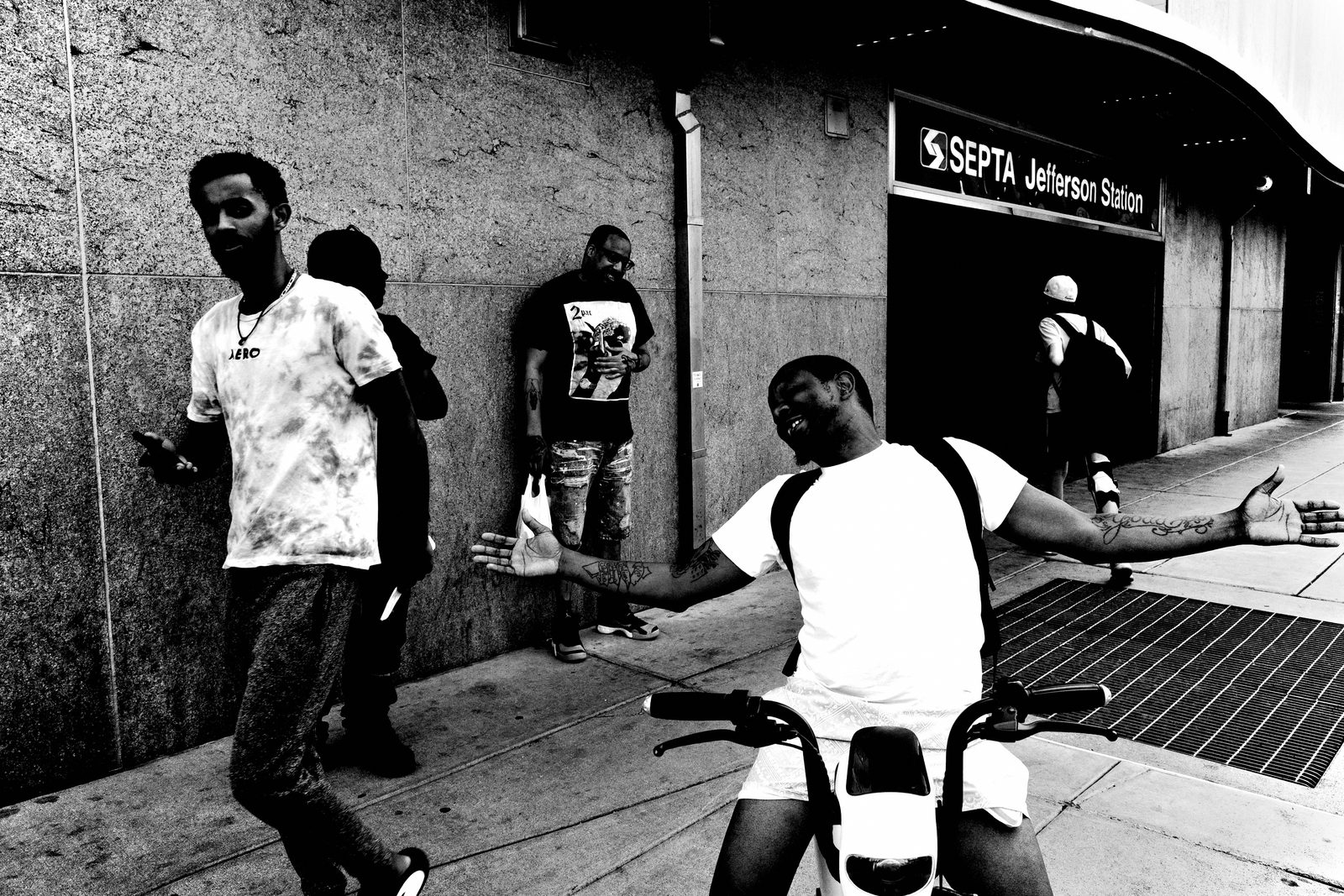
Here's your final check before you walk out the door: AV mode, f/8, Snap Focus at 2 meters, Auto ISO with floor at 160 and ceiling at 25,600, minimum shutter 1/500, JPEG only, High Contrast B W baked in, minimal screen, Fn button set to Snap. Raise camera. Point. Shoot. The only things you will touch on the street are exposure compensation and the Fn button. That's the whole system.
The System Holds When Chaos Increases
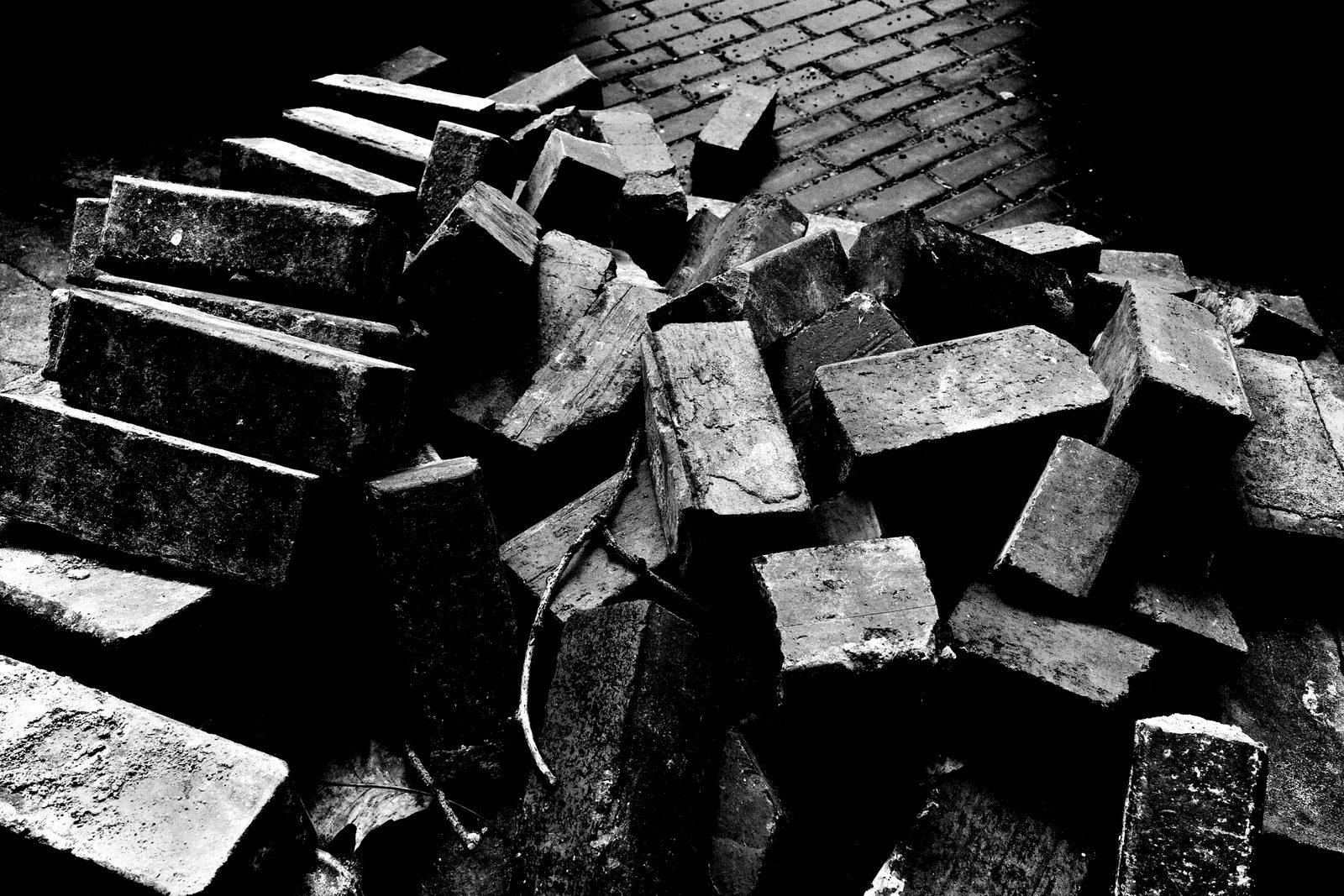
Here's the system working under real pressure. Drop yourself into pure chaos — a dense crowd, noise, constant movement, a festival at full tilt. The solution does not change: Snap Focus at 1 meter, f/16, Multi-segment metering, exposure comp ready, High Contrast B W, small JPEG. When the chaos increases, you tighten rather than fiddle — reach for the 50mm crop, underexpose to minus 2, expose for the highlights, crush the shadows. The environment changes. The system stays the same. That's the whole point of locking it.
Volume Creates Instinct
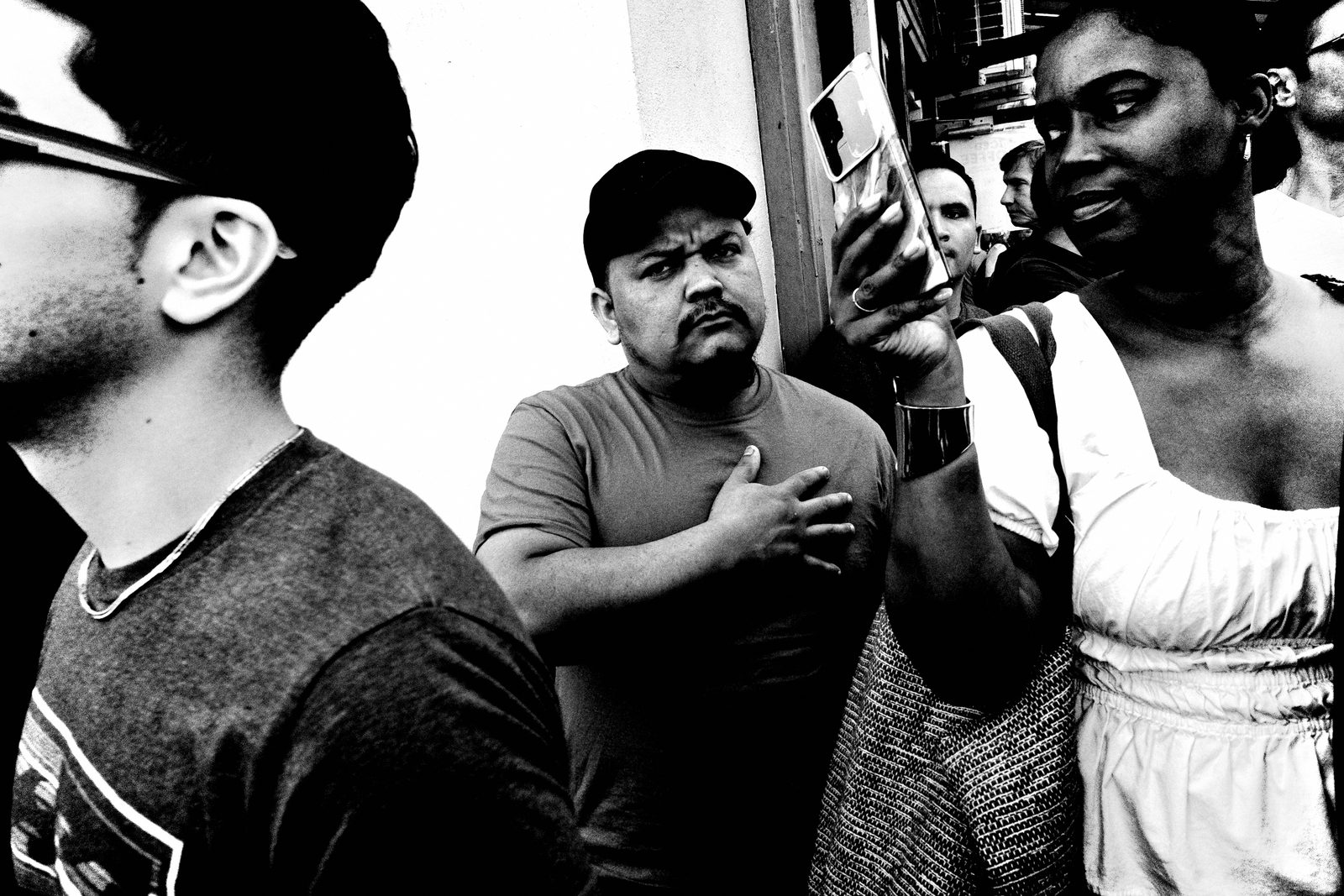
Volume is part of the system. Give the installed machine a couple of hard days with no preparation and no special conditions, and you'll shoot in the hundreds — even the thousands. Because the settings are locked and the files are small, there's no backlog — import same day, cull same day, publish same day. Shoot more, think less. Volume increases instinct. That's what the small-JPEG workflow makes possible.
The Same System Builds a Body of Work
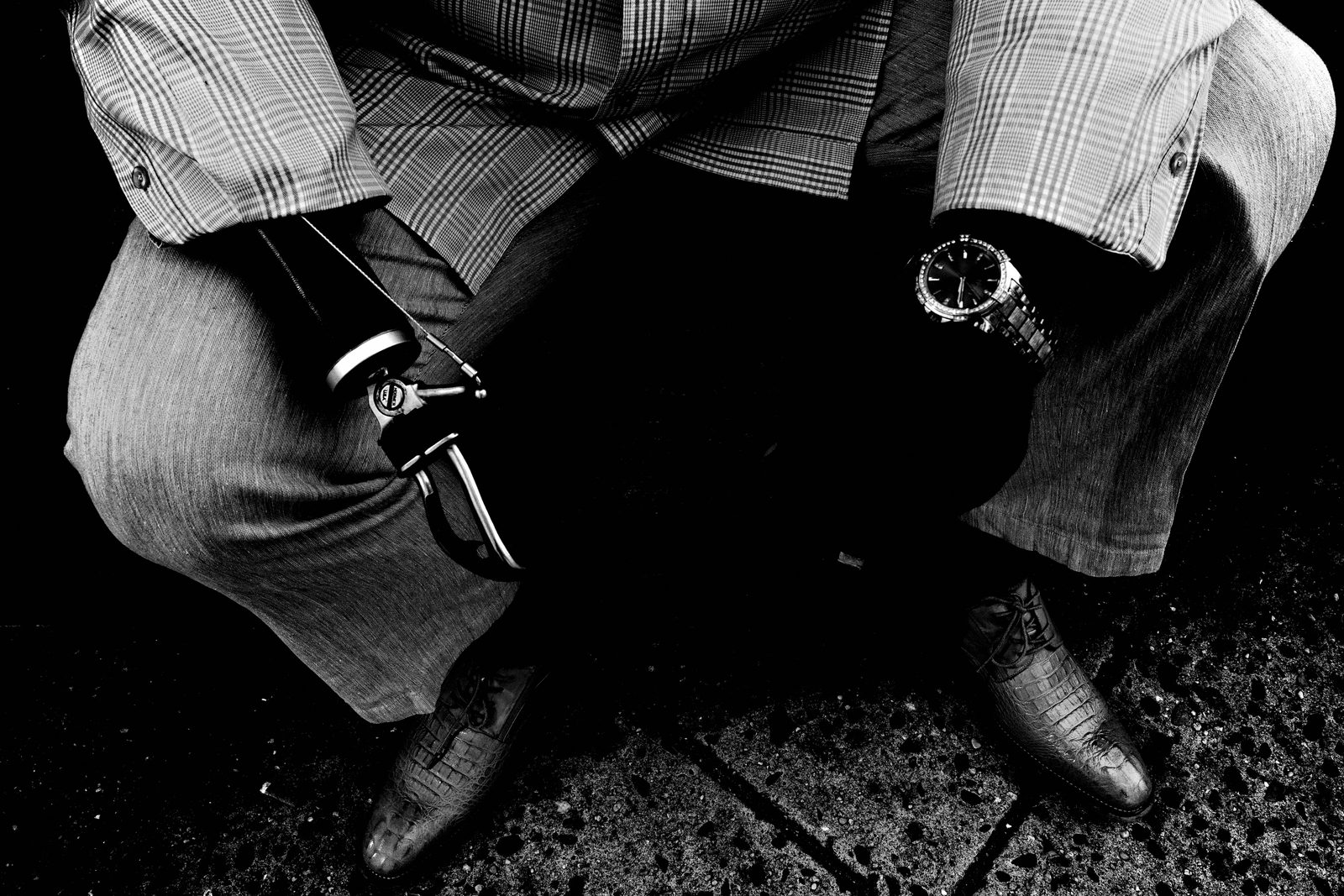
The same setup that holds up in pure chaos also holds up over the long, quiet stretch of daily street walking. Same camera. Same settings. Same workflow: walk your route, photograph daily, cull the same night, repeat the next morning. A frictionless system means no decisions pile up. Run that rhythm for a couple of weeks and you don't just have frames — you have a complete, sequenced body of work, even a book. Not because the place was special. Because the system was installed.
Do Not Customize. Trust the Process.
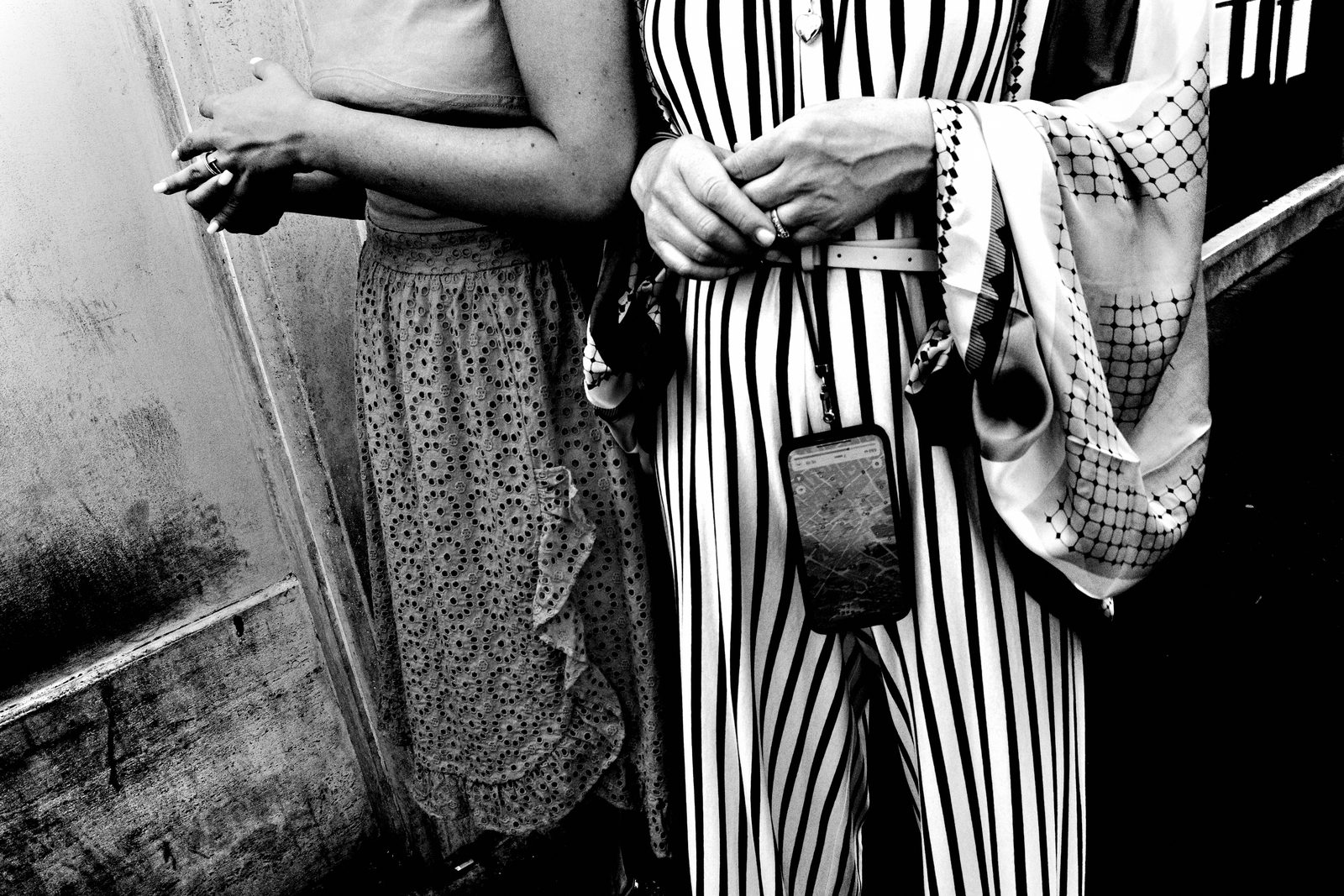
I know the temptation. You read through these settings and your brain starts negotiating — "maybe I'll try f/5.6 just to see" or "I'll add one more custom button." Resist it completely. Every tweak is a small leak. The power of this system is its totality — when every variable is locked, the only thing left is you and the world. Trust the process. Install it exactly as given.
PRACTICAL APPLICATION
Install Before You Leave Home
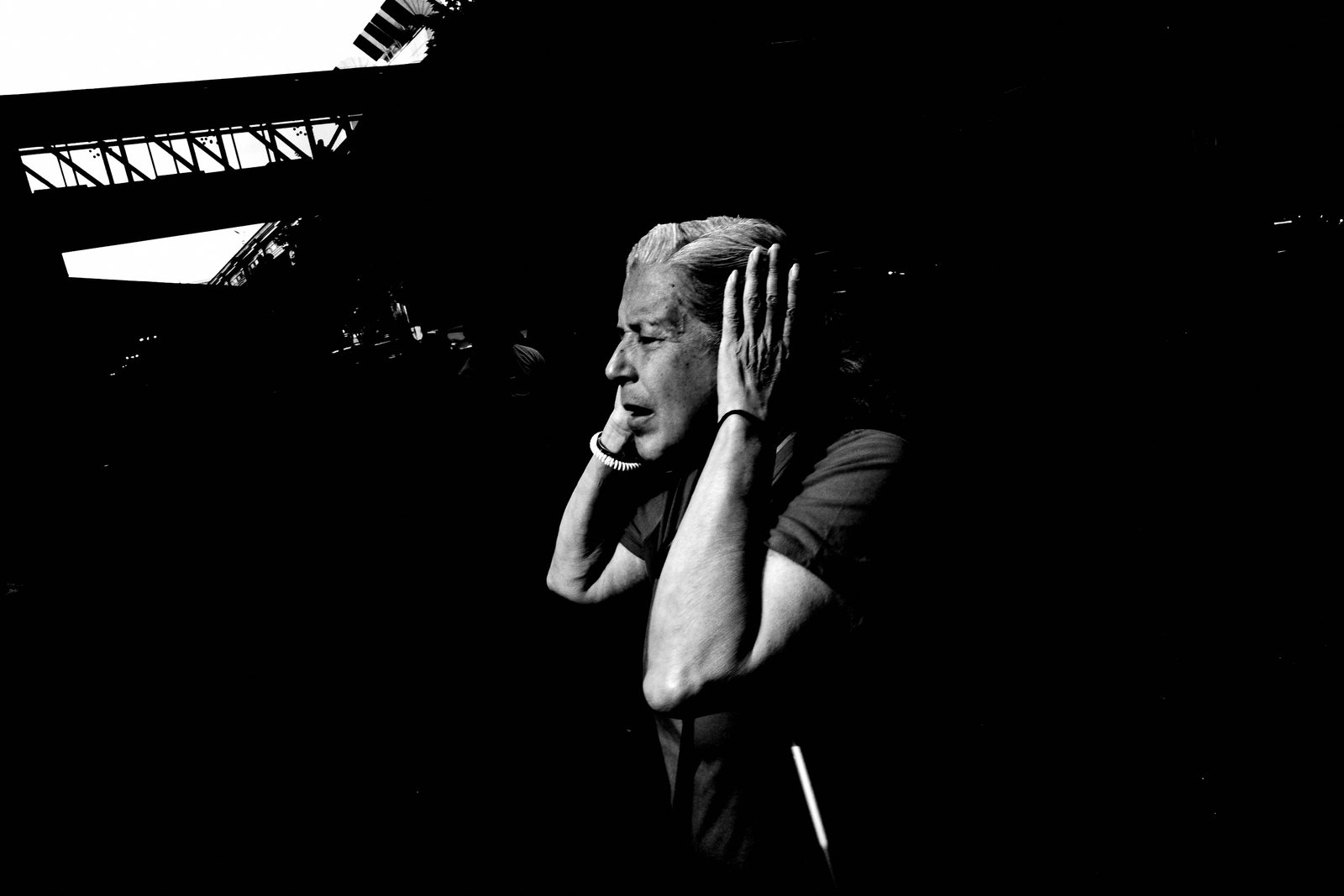
Your move right now: sit down with your Ricoh tonight — not on the street tomorrow morning, tonight — and install every single setting from this lesson. Walk through the checklist. Confirm AV mode, f/8, Snap Focus at 2 meters, Auto ISO, JPEG, High Contrast B W baked. Close the menus. Put the camera in your pocket. Walk out tomorrow with a machine that is already done.
First Walk: 100 Frames, Zero Judgment
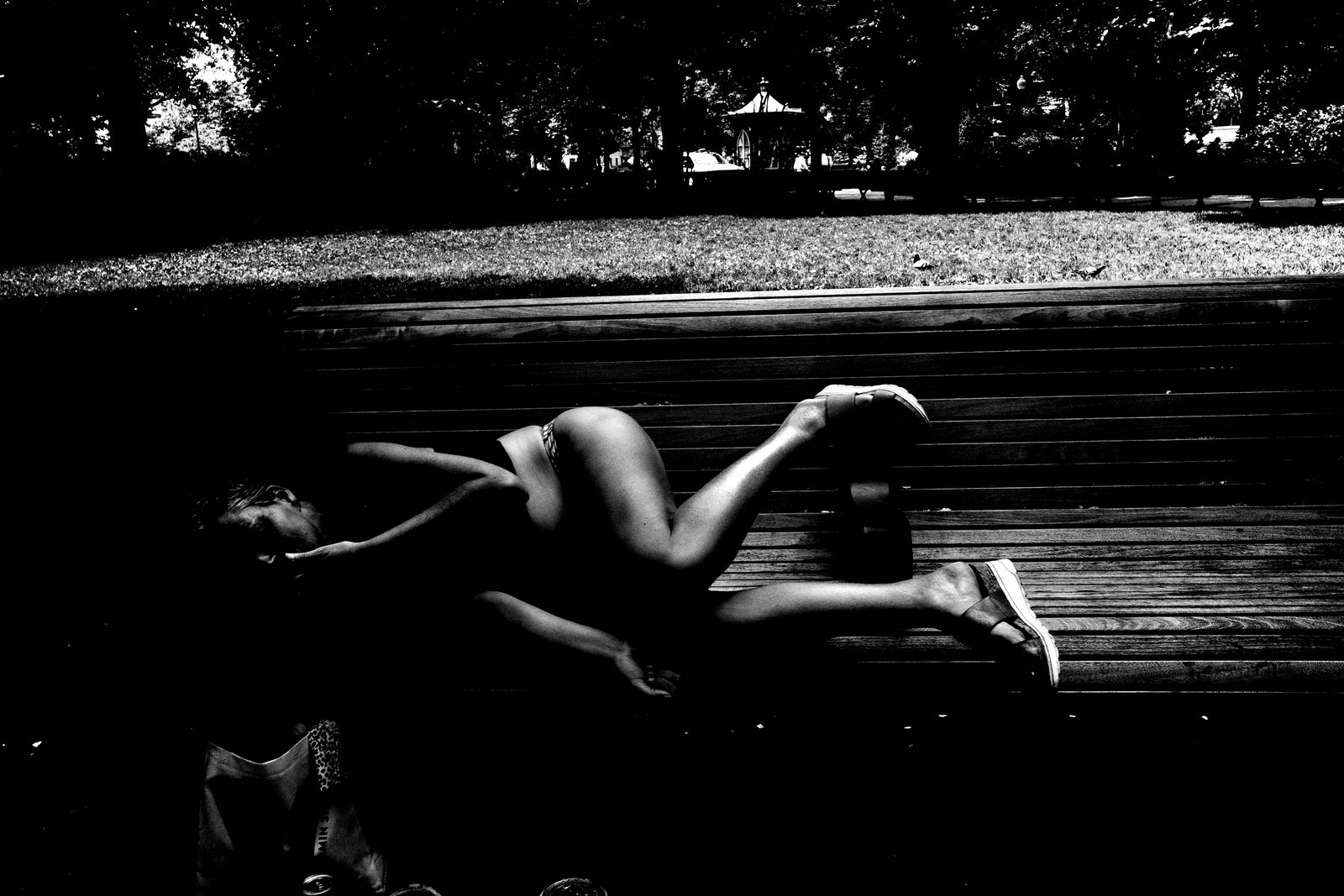
Once the system is installed, go for your first walk with one goal: make at least 100 photographs. Not 100 good photographs — 100 photographs, full stop. Do not review every frame on the LCD while you're out. The camera is set up. All you have to do is raise it, point it, and shoot. Get comfortable with the physical rhythm — wrist strap, shutter press, moving through the world. That's the whole assignment.
COMMON MISTAKES
Tweaking Settings Mid-Walk
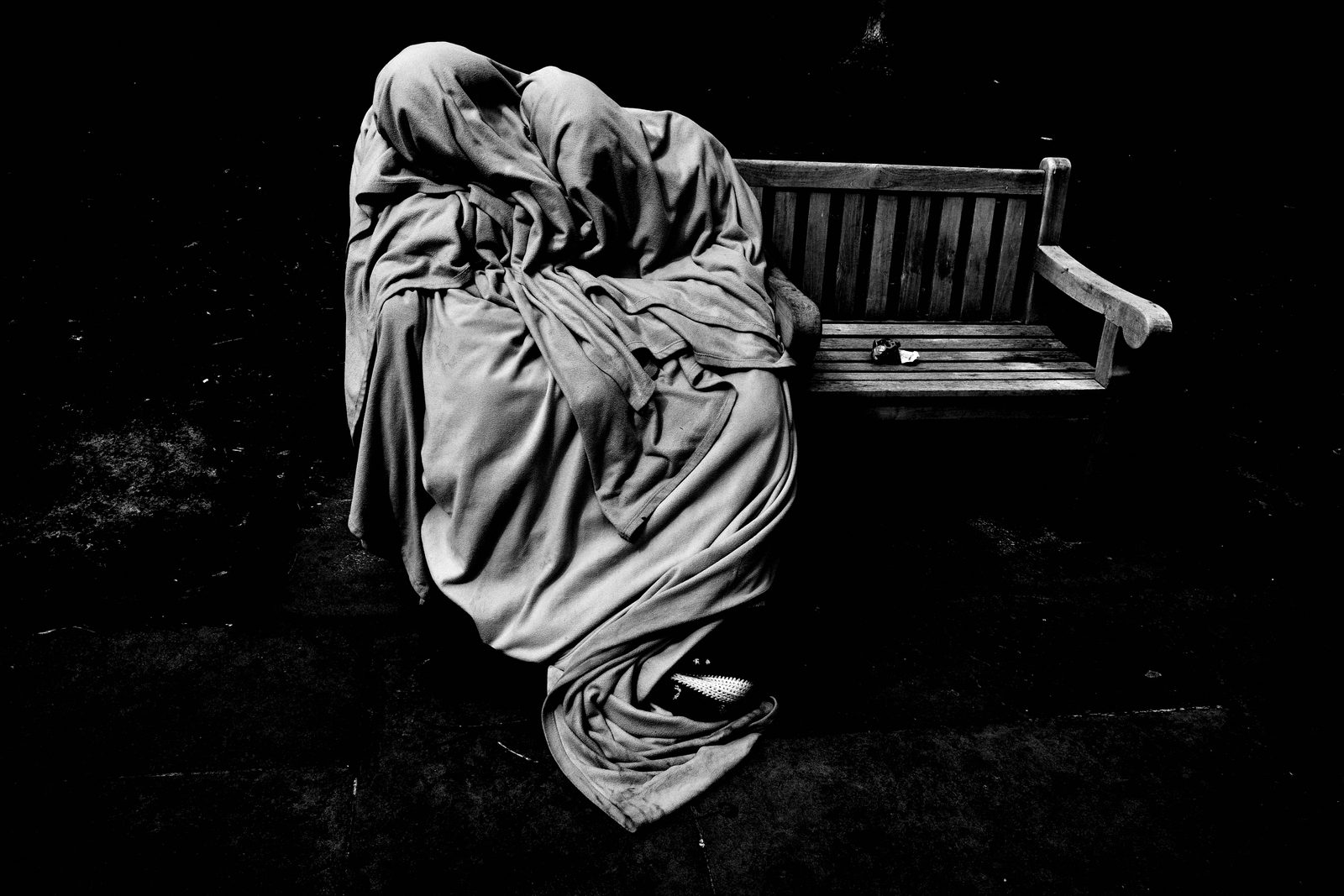
The most common mistake is diving into the menus on the street. It feels productive — "I'll just quickly adjust the shadow contrast" — but every second you spend in a menu is a second you're not in the world. You miss the frame. You break the flow. You step out of presence and into management. Set it at home. Do not touch it outside. The discipline here is what makes everything else work.
Shooting RAW "Just in Case"
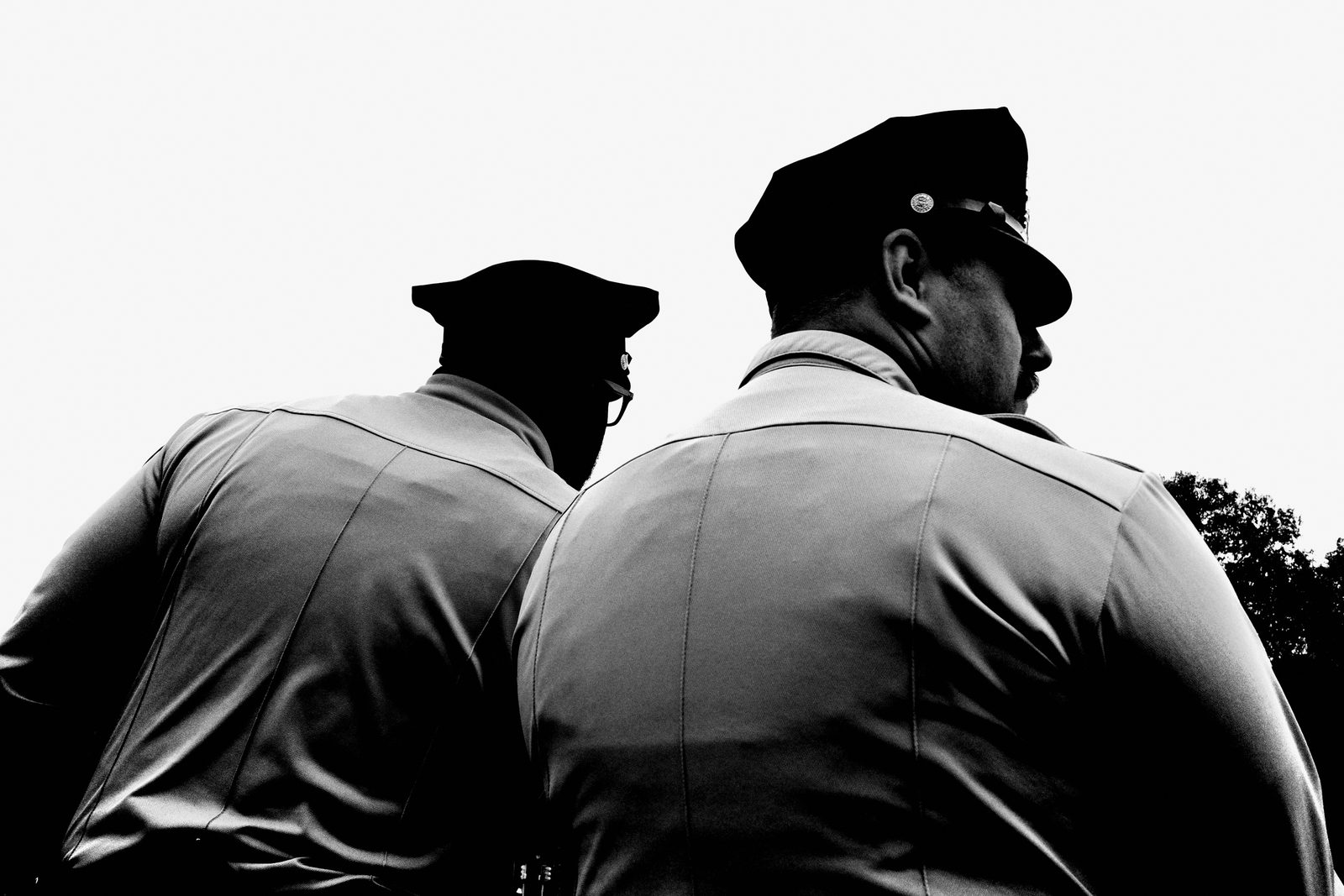
The other mistake: shooting RAW "just in case" you want to fix something later. That safety net sounds reasonable and it will quietly kill the practice. RAW creates backlog. Backlog creates hesitation about culling. Hesitation stops the daily rhythm. JPEG only is not a limitation — it is a commitment to the image you made in the moment. Commit to the frame. Not the fix.
RELATIONSHIP TO PREVIOUS
Built on What Came Before
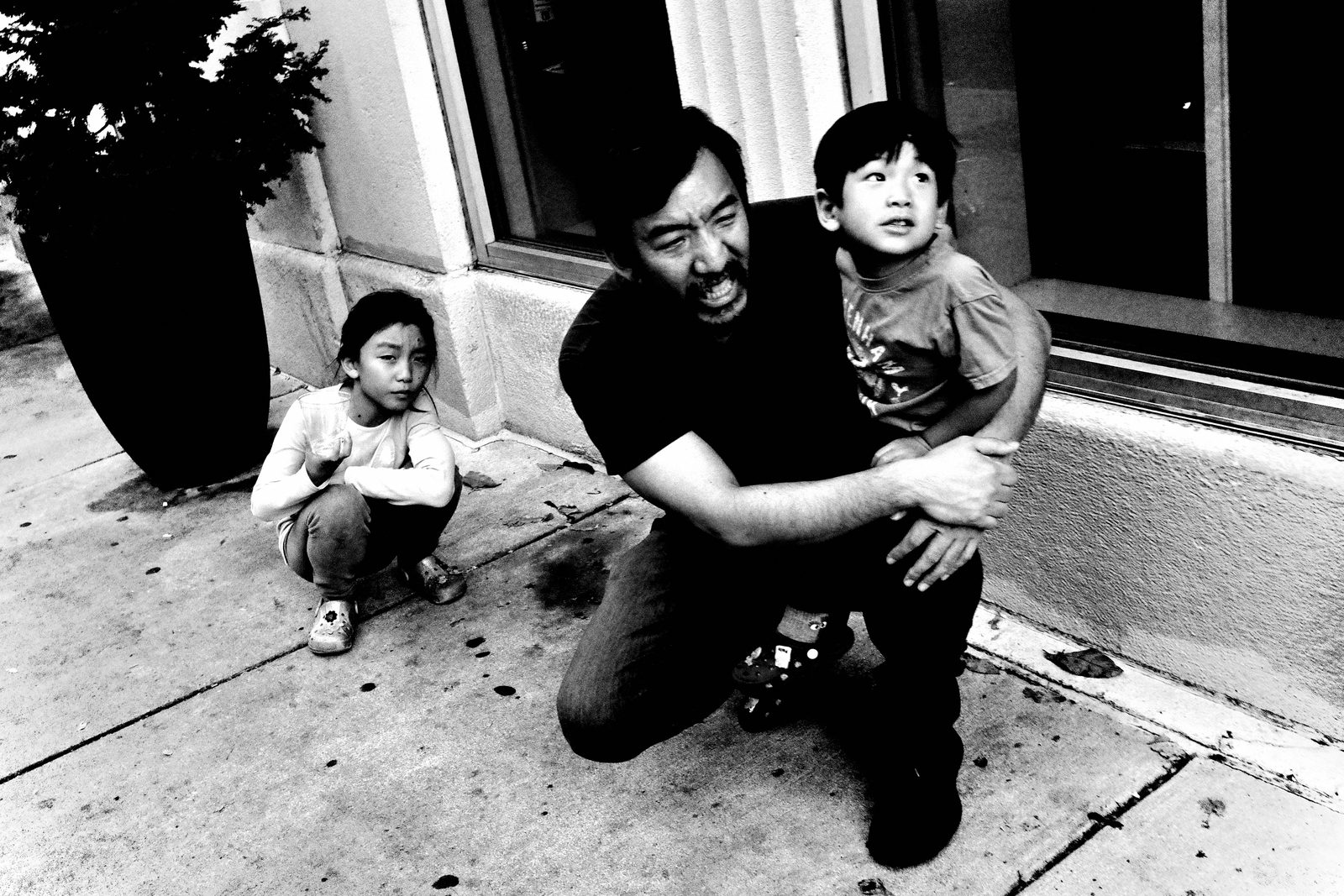
Lesson 042 laid out the philosophical case for why the FLUX system works — why constraint, simplicity, and a single committed workflow compound into real results. This lesson is where that philosophy becomes hardware. Everything discussed before about removing decisions and trusting the system now lives in your actual camera. Theory installed.
RELATIONSHIP TO UPCOMING
What Comes Next
Lesson 044 takes this installed machine into actual street conditions — how to operate it, how instinct replaces analysis, how the system moves with your body. The settings are done. What comes next is execution: how to move, how to trust, how to let the installed machine disappear so that what remains is just you and the photograph.
SUMMARY / TAKEAWAY
Set It. Lock It. Go Shoot.
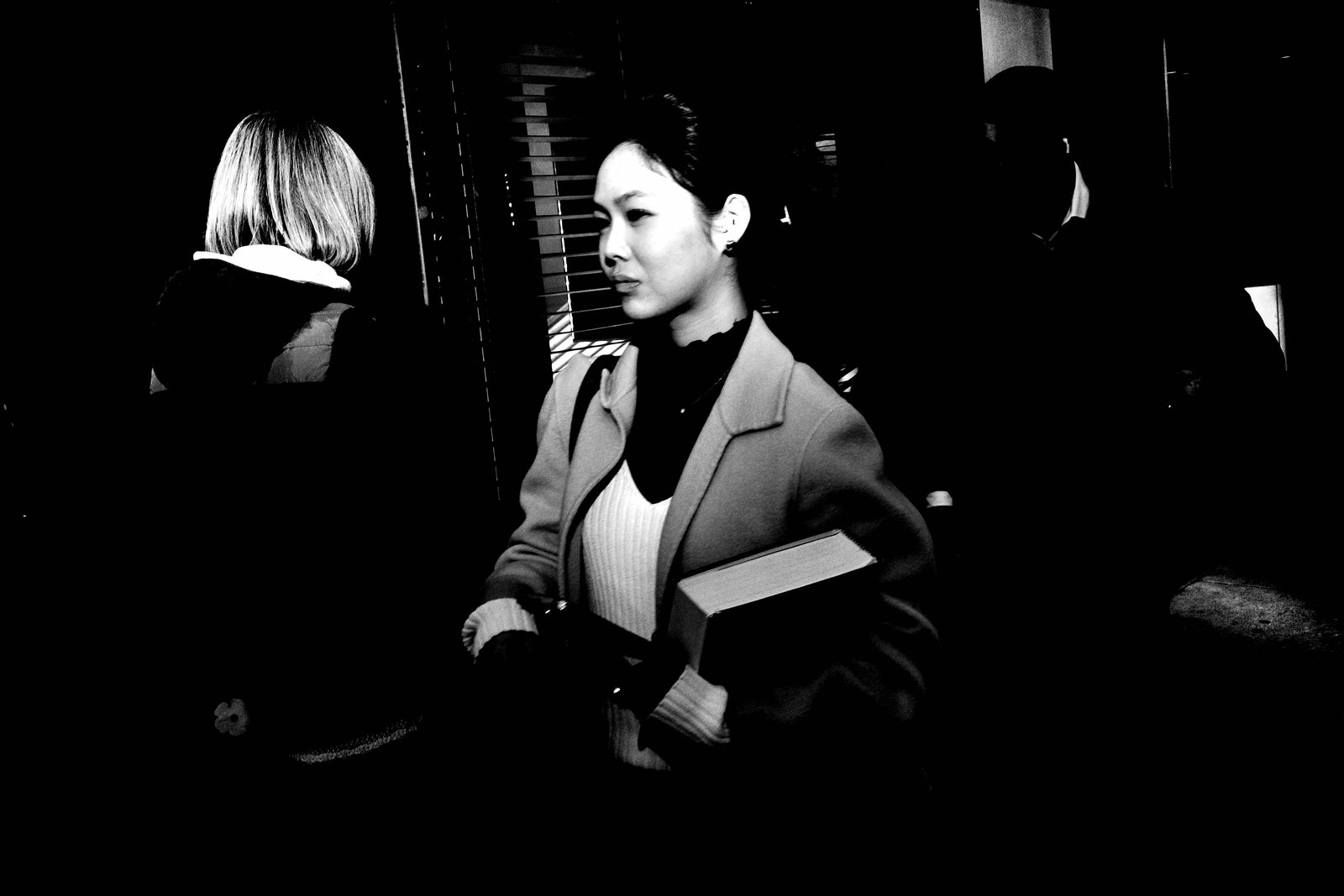
Here's everything you need to carry out the door. AV mode. f/8. Snap Focus at 2 meters. Auto ISO, floor 160, ceiling 25,600, minimum shutter 1/500. JPEG only. High Contrast B W baked in. Buttons stripped. Display simplified. Exposure compensation is your one and only street control. Set it once. Lock it down. Never touch it again. The system is the freedom — now go use it. Catch you in Lesson 044.