The Automated Archive & Publishing Pipeline
CORE IDEA
One Pipeline, Zero Friction
What's popping, people — it's Dante. Today we're talking about the pipeline — the automated archive and publishing system that lets me shoot in the morning and have something published before lunch. This is not about gear obsession. It's about removing every single point of friction between the shutter click and the world seeing your work.
LEARNING OBJECTIVE
What You'll Walk Away With
By the end of this lesson you'll have a clear, repeatable pipeline — from import through archive to publish — built on tools you probably already own. More importantly, you'll understand why a fast, low-friction system makes you a better photographer, not just a faster one.
WHY THIS MATTERS
Slow Workflows Kill Creative Momentum
Here's the honest truth about why this matters: a slow, complicated workflow quietly kills your creative momentum. There came a point where I realized my old system — a bulky camera body, multiple lenses, hard drives, laptop culling — was outdated and tedious. It bogged me down practically and mentally. The gap between shooting and sharing was so wide it drained the joy right out of it.
Speed Creates Joy, Joy Creates Volume
The flip side is just as real: when the system is fast and simple, you find joy. And that joy compounds. It's the reason I've been able to publish every single day for over two and a half years. Speed isn't laziness — it's what keeps you excited to shoot again tomorrow.
MAIN TEACHING
Why the Old Workflow Had to Go
The old workflow demanded a desk. Multiple lenses meant decision fatigue before you even raised the camera. Hard drives meant backup rituals that ate hours. Laptop culling meant you couldn't process anything until you got home. All of that is the enemy of a daily practice. So I sold the gear, picked up the Ricoh GR III, and rebuilt everything around the iPad Pro.
The Core Rig: Ricoh GR + iPad Pro
The foundation is two devices. The Ricoh GR III — small, pocket-sized, shooting high-contrast black-and-white JPEGs — and the iPad Pro. Together they are, in one word, freedom. You can be in the forest, on the bus, in a café — your entire creative operation travels with you. No desk, no compromise.
Import: USB-C to SD, Straight In
Import is the first link in the chain and it has to be instant. USB-C to SD card reader, straight into the Photos app. No Lightroom required if you're shooting JPEGs — and shooting JPEGs is itself a workflow decision. When you commit to JPEG, you're committing to speed. The heavy lifting happens in-camera, not on a screen.
Culling in the 3×3 Grid View
Culling is where most photographers slow down and overthink. My method is brutally simple: 3×3 grid view in the Photos app, scroll fast, and favorite whatever hits me. "If it looks good small, it's probably a keeper." I don't zoom in. I don't pixel-peep. I just feel. Intuition over intellect, every time.
Name the Album, Date It, Move On
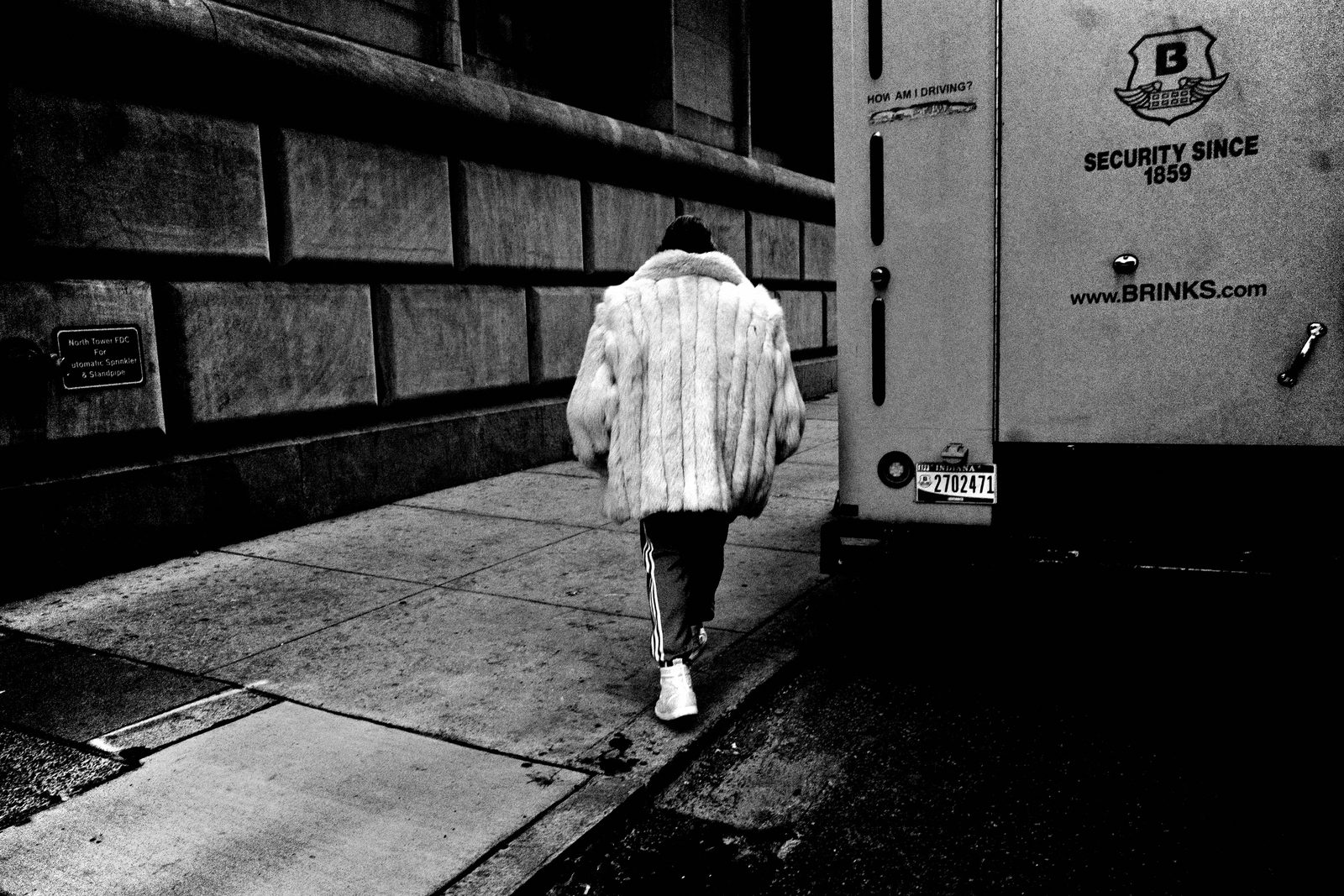
Every session gets a folder named by date — April 12, 2024, October 31, 2025, whatever the day is. I've been doing this every single day for three years. That stack of dated folders is the visual diary. It's a record of how I live my life. The photographs are just a reminder of where I was and what I was responding to.
The Three-Tier Selection System
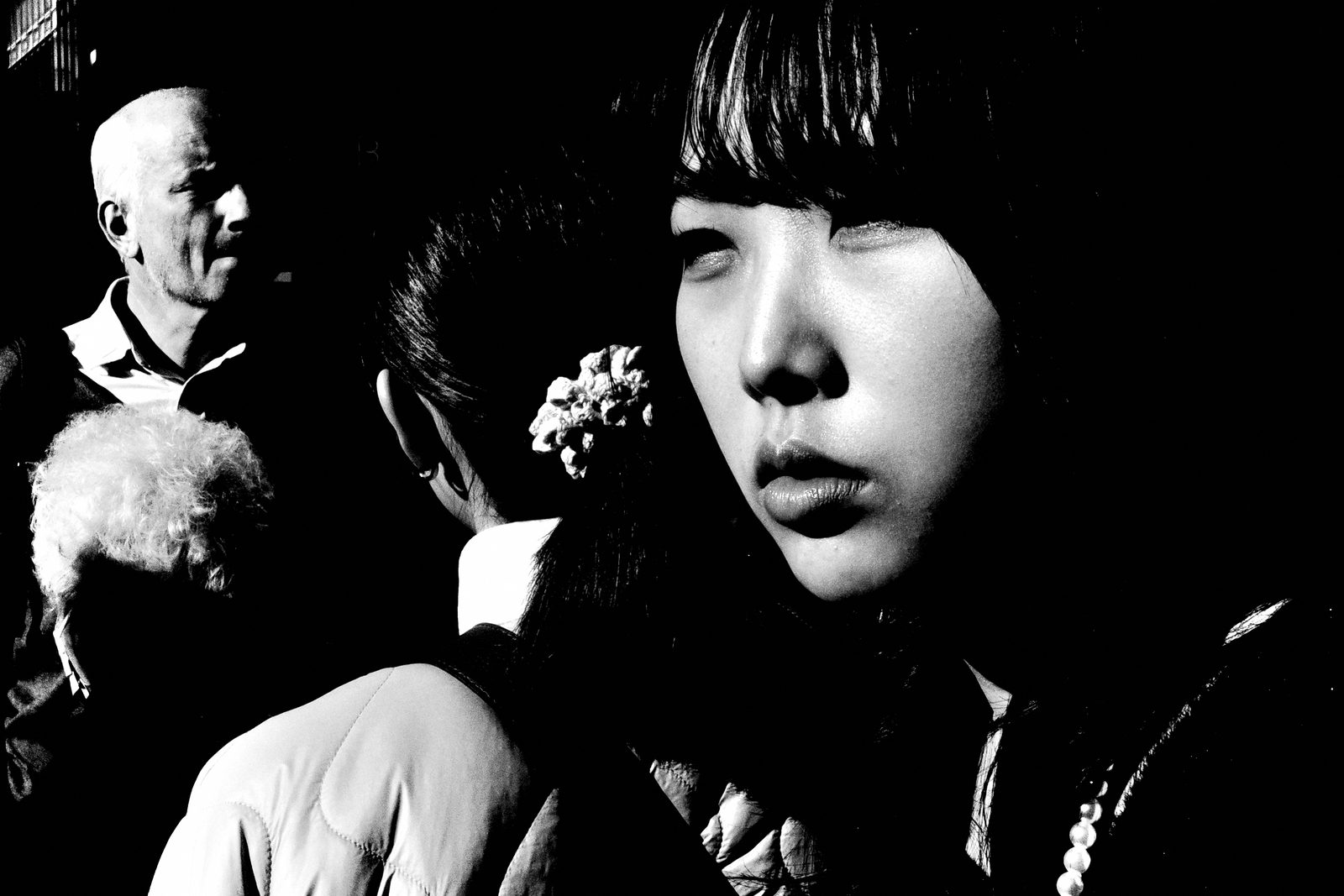
Inside the archive, selections move through three tiers. First, Favorites — rapid tapping on anything that catches my eye during the initial scroll. Second, Selections — a tighter edit pulled from those favorites. Third, the Year Folder — the true keepers, the ones that define who I was as a photographer that year. Most days give you nothing for Tier 3. Every so often, one photograph feels alive.
The Cloud Backup Stack
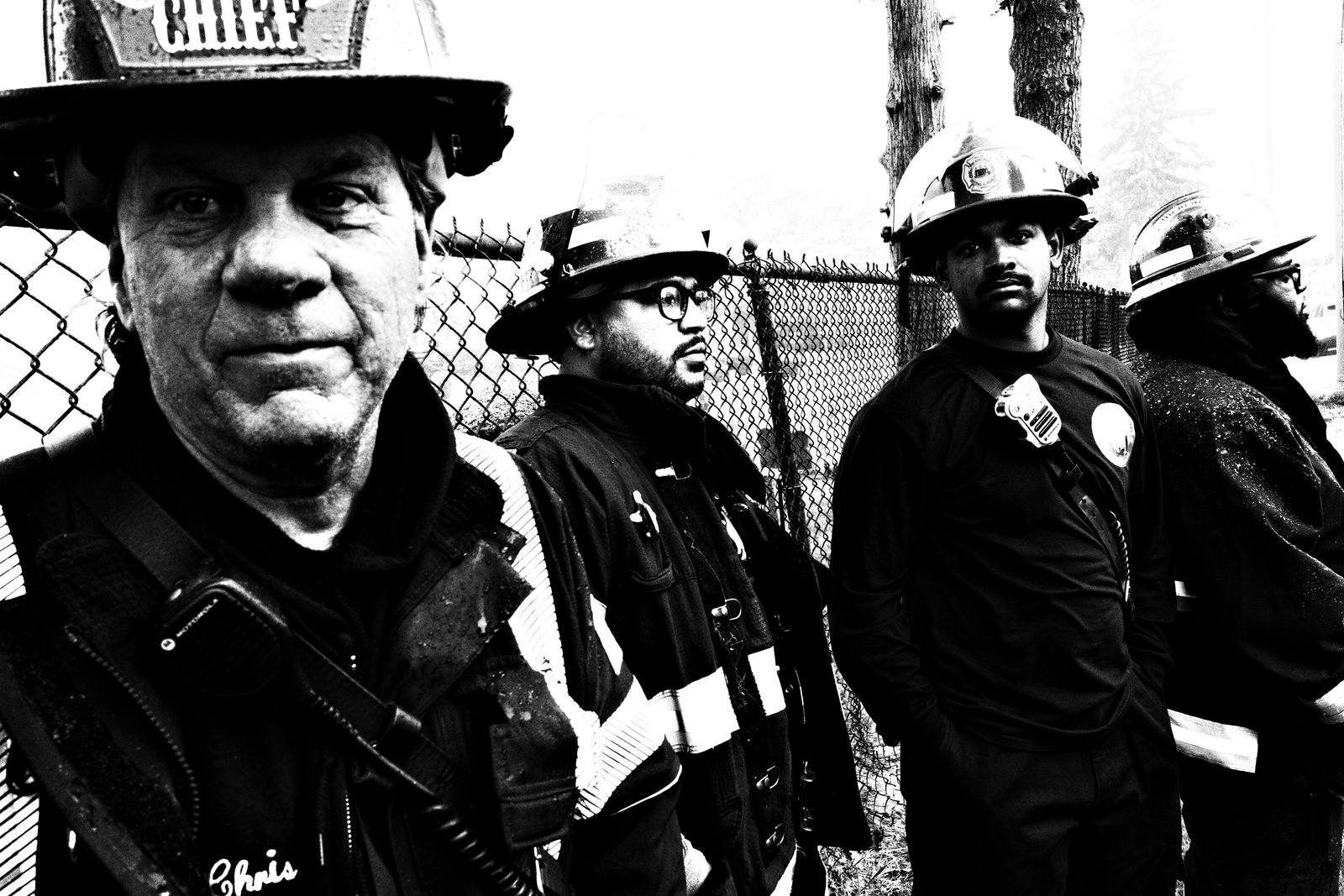
Backup runs in parallel, not after. Google Photos for the public, shareable archive — anyone can browse it straight from my website. Lightroom CC for legacy RAW files. AirDrop for instant device-to-device transfer when I need something on my iMac. The beauty is access anywhere, anytime — across phone, iPad, or desktop — without thinking about it.
The Pipeline Under Heavy Volume
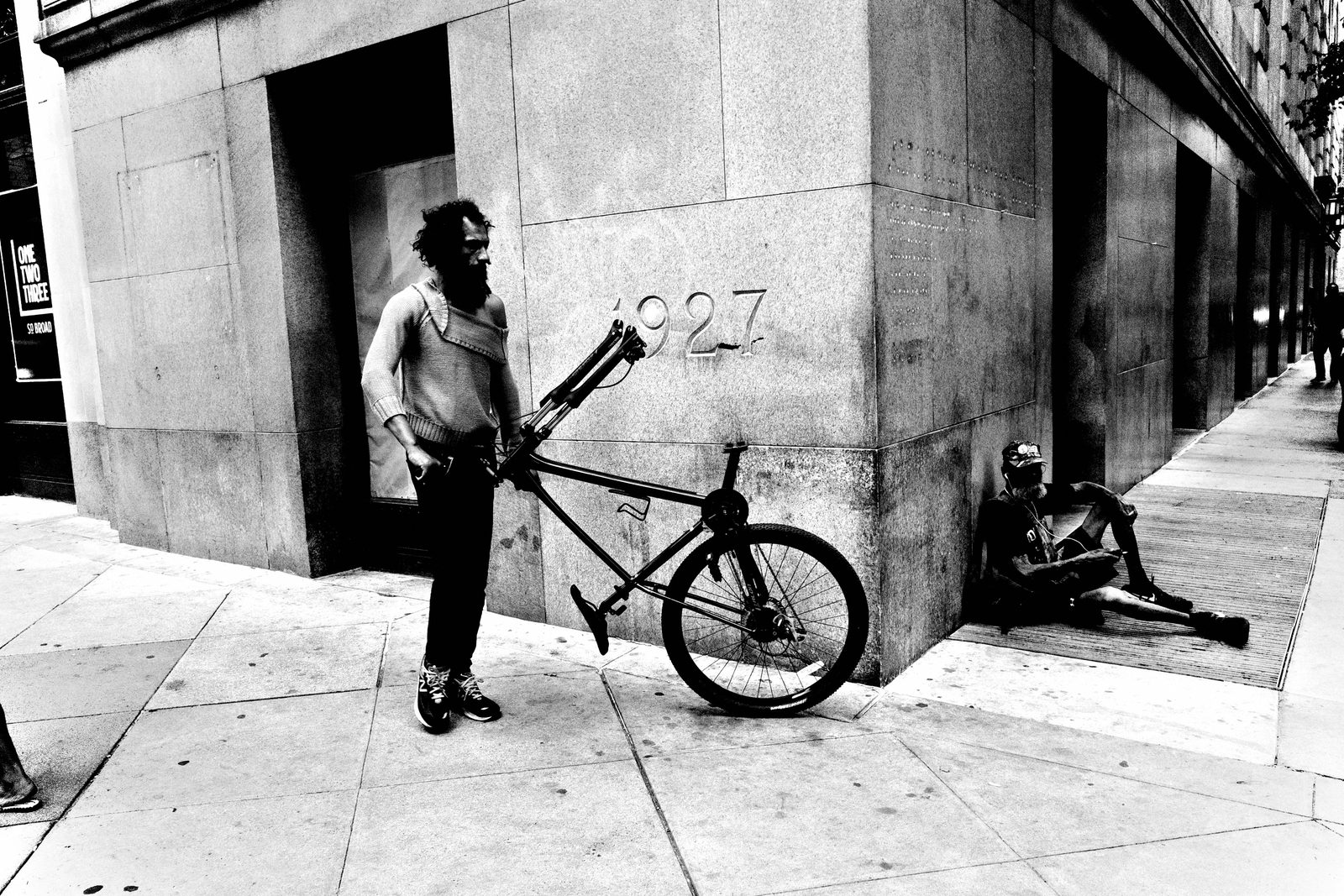
This is the pipeline under load. A big, active night can leave you with hundreds of frames on the card. You cull the entire session on the iPad in one sitting — scrolling the 3×3 grid, tapping favorites, moving fast, never breaking flow. And out of hundreds, one frame rises above everything else, the one where light, composition, and moment all align. The volume doesn't matter when the system does the carrying.
Cull on the Bus, Publish Before Work
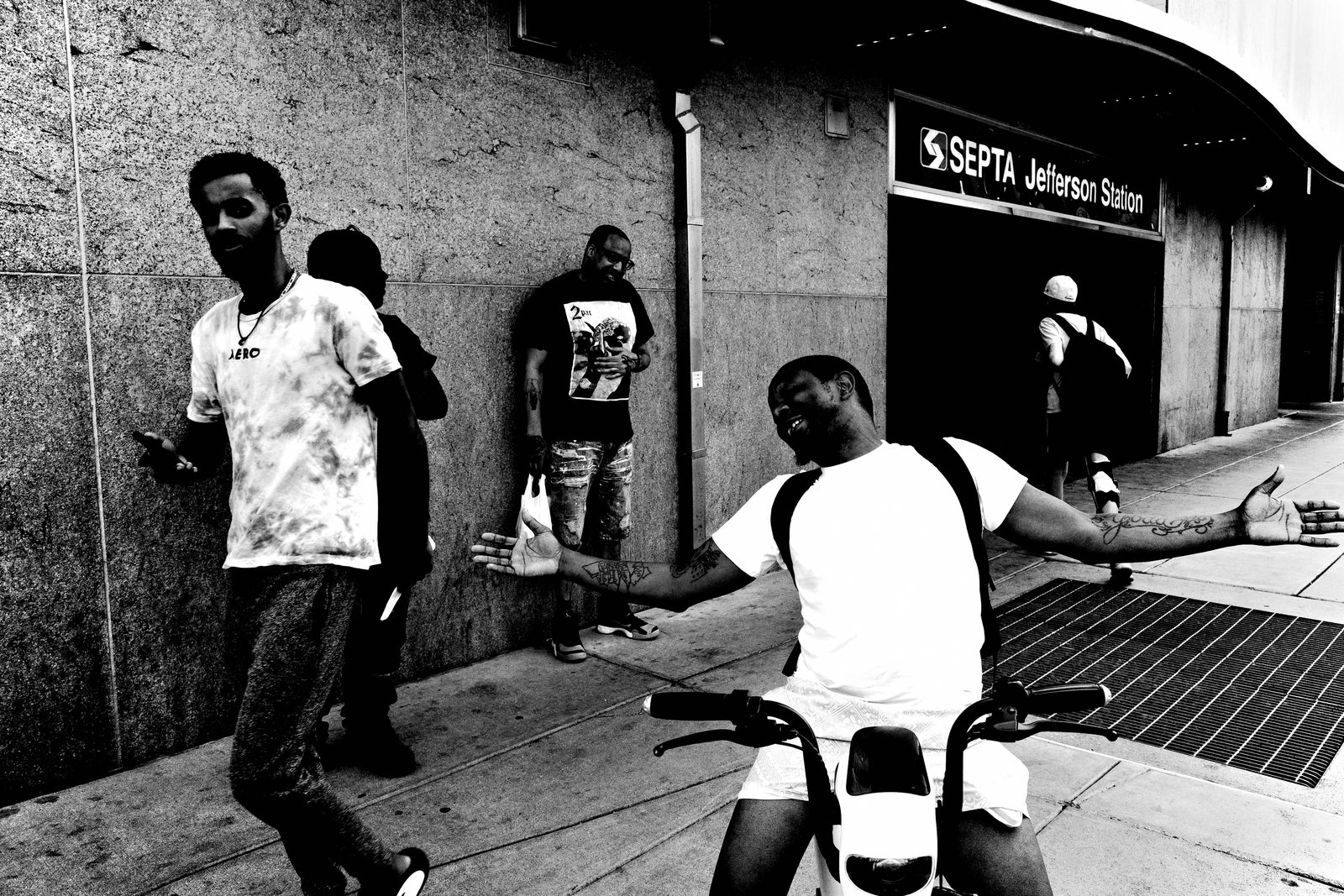
The pipeline isn't theoretical — it's timed. You can shoot at sunrise, cull on the bus ride home, and publish a complete photo essay before work starts. That's not a boast; that's the design. Same-day publishing becomes your daily standard. The gap between experience and sharing collapses to almost nothing, which means your work stays honest, fresh, and alive.
Writing on the Move with iA Writer
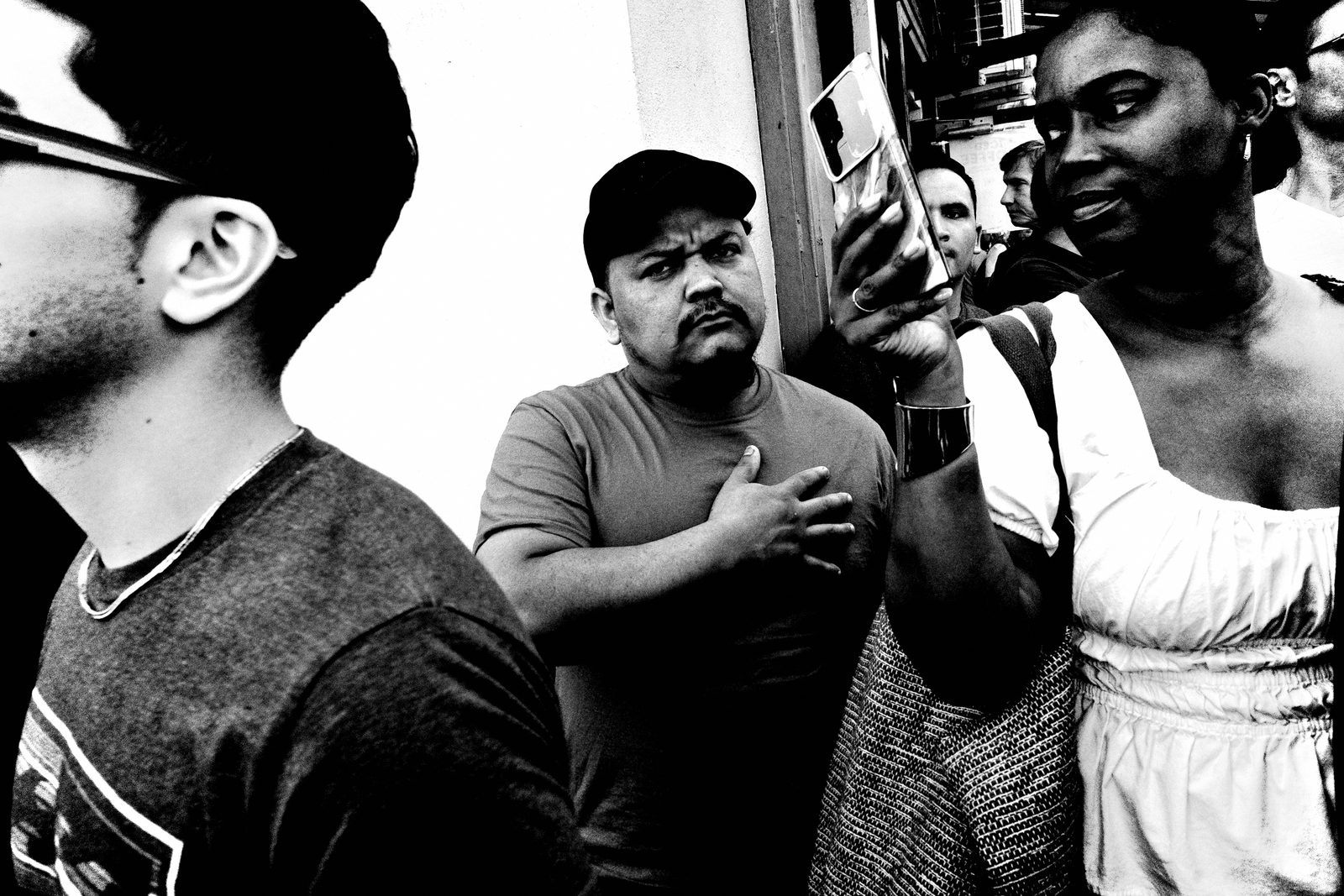
The pipeline extends to writing. iA Writer plus voice dictation means I can write a full blog post without touching a keyboard — standing in the forest, walking a trail, dictating out loud. Then I publish directly to WordPress through the Safari app on the iPad. No laptop, no desk, no delay. "You don't need a mouse, a case, or accessories — just speak."
Procreate and Keynote as Creative Extensions
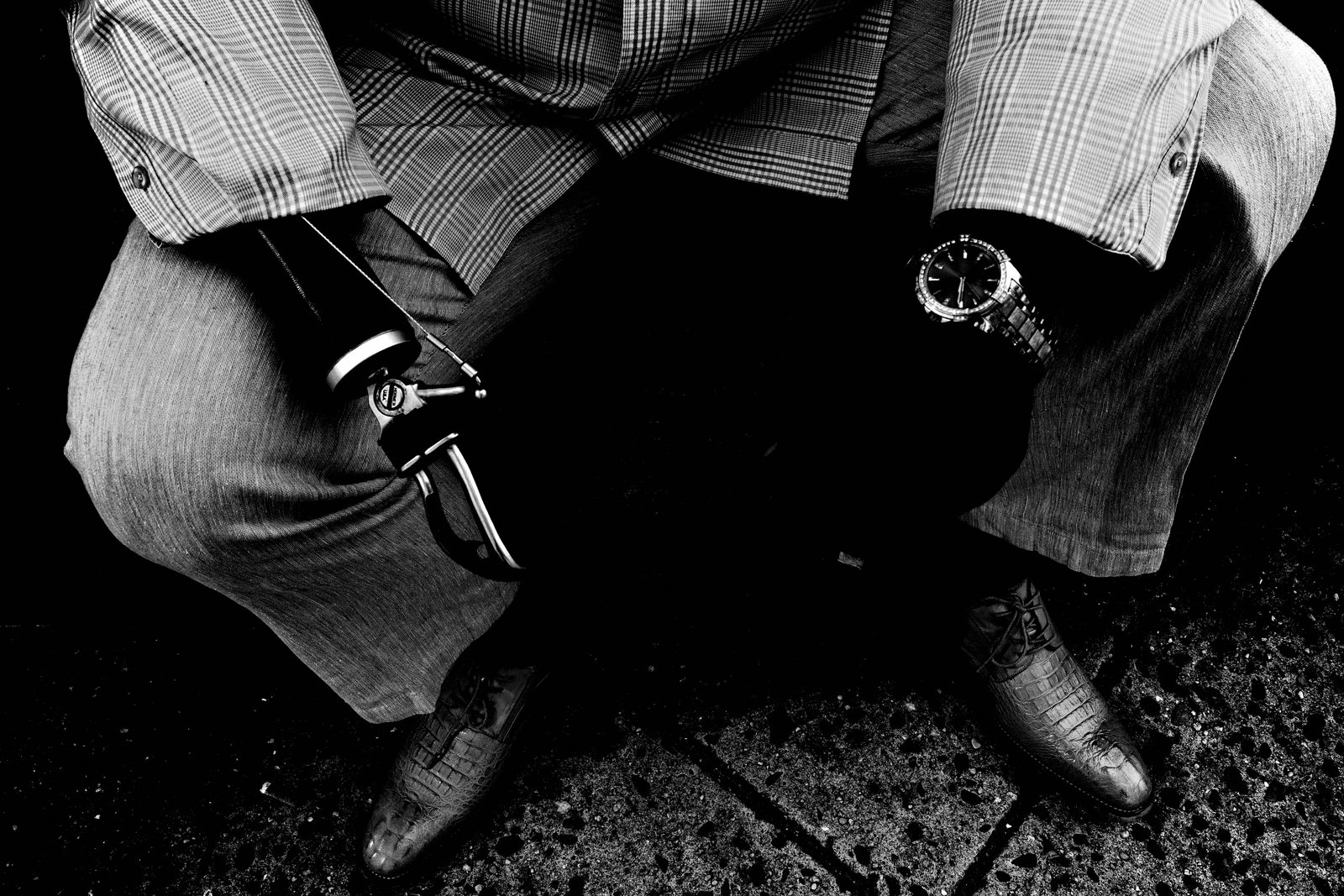
The pipeline doesn't stop at single images. Procreate lets me remix photographs into collages — gradient maps, layered elements, embracing imperfection and serendipity. Keynote turns photo sequences into slideshows with fades and text, exported as video or PDF and published straight to the blog or YouTube. Street collage is like Dada — serendipity, humor, lightheartedness. It's visual art, not just photography.
Open-Source Publishing Philosophy
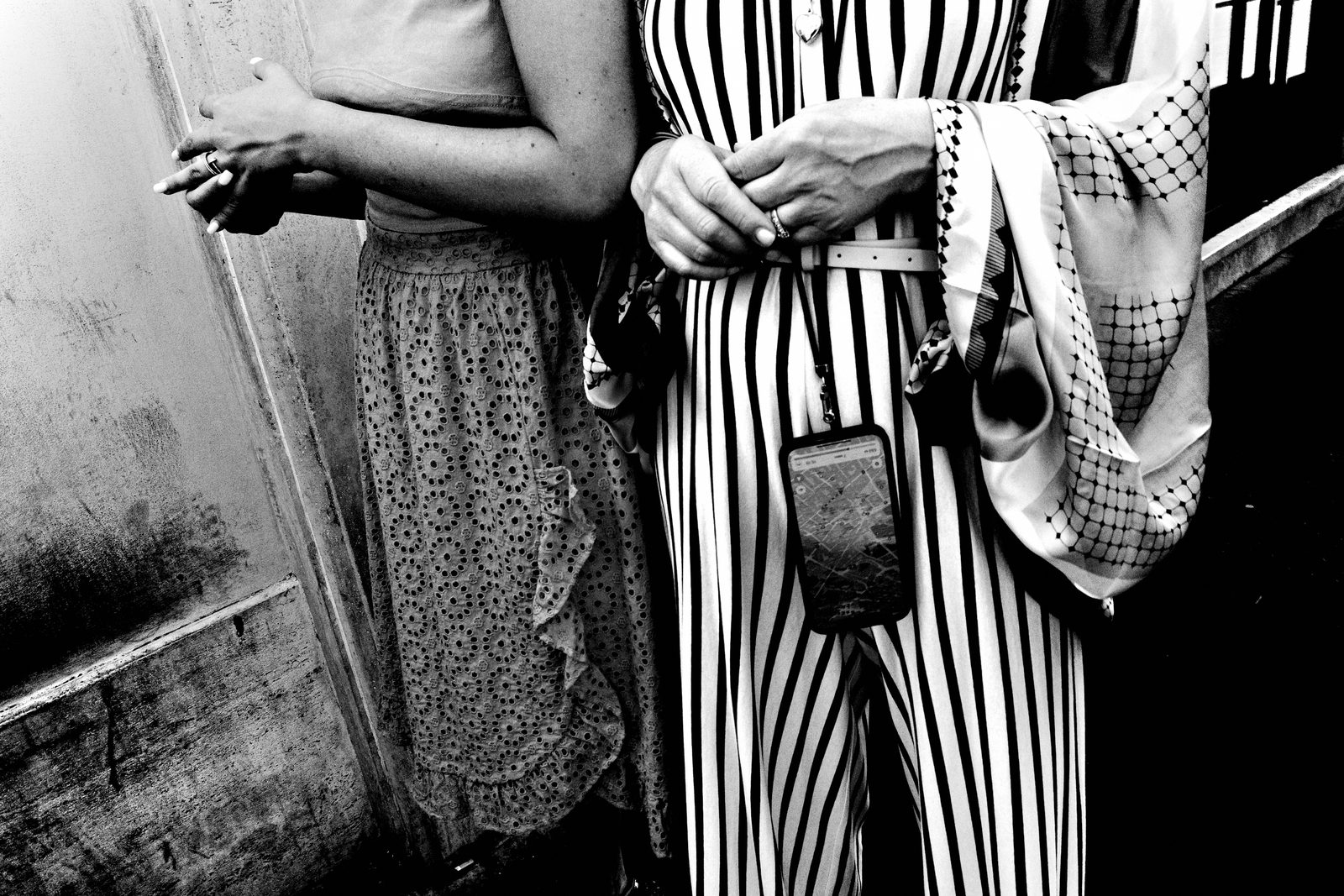
Everything in this pipeline points outward — openly. My Google Photos archive is publicly browsable from my website. Everything is free, downloadable, remixable. I build on my own domain through WordPress — not Instagram, not a platform that owns my work. "To share is to give your life deeper meaning." The examined life is worth living, and sharing is how you examine it.
PRACTICAL APPLICATION
Build Your Daily Pipeline Today
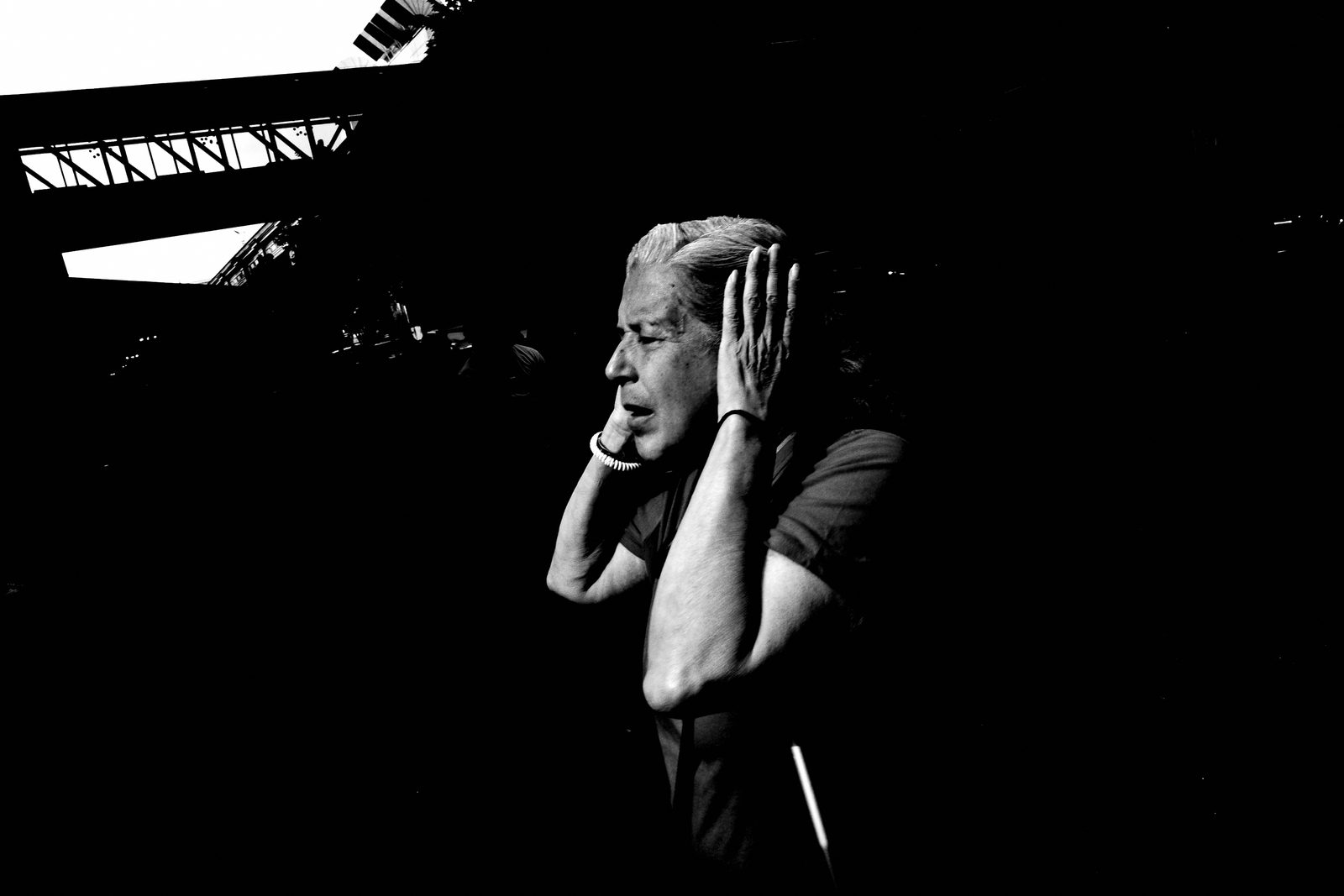
Here's your assignment: build the pipeline today, not someday. Pick one device as your hub and commit. Shoot JPEG if you can. Import the same day you shoot. Date the folder. Favorite fast in the 3×3 grid. Back up to one cloud service before you sleep. That's the whole system. Run it once and it becomes automatic.
Run a Same-Day Publish Challenge
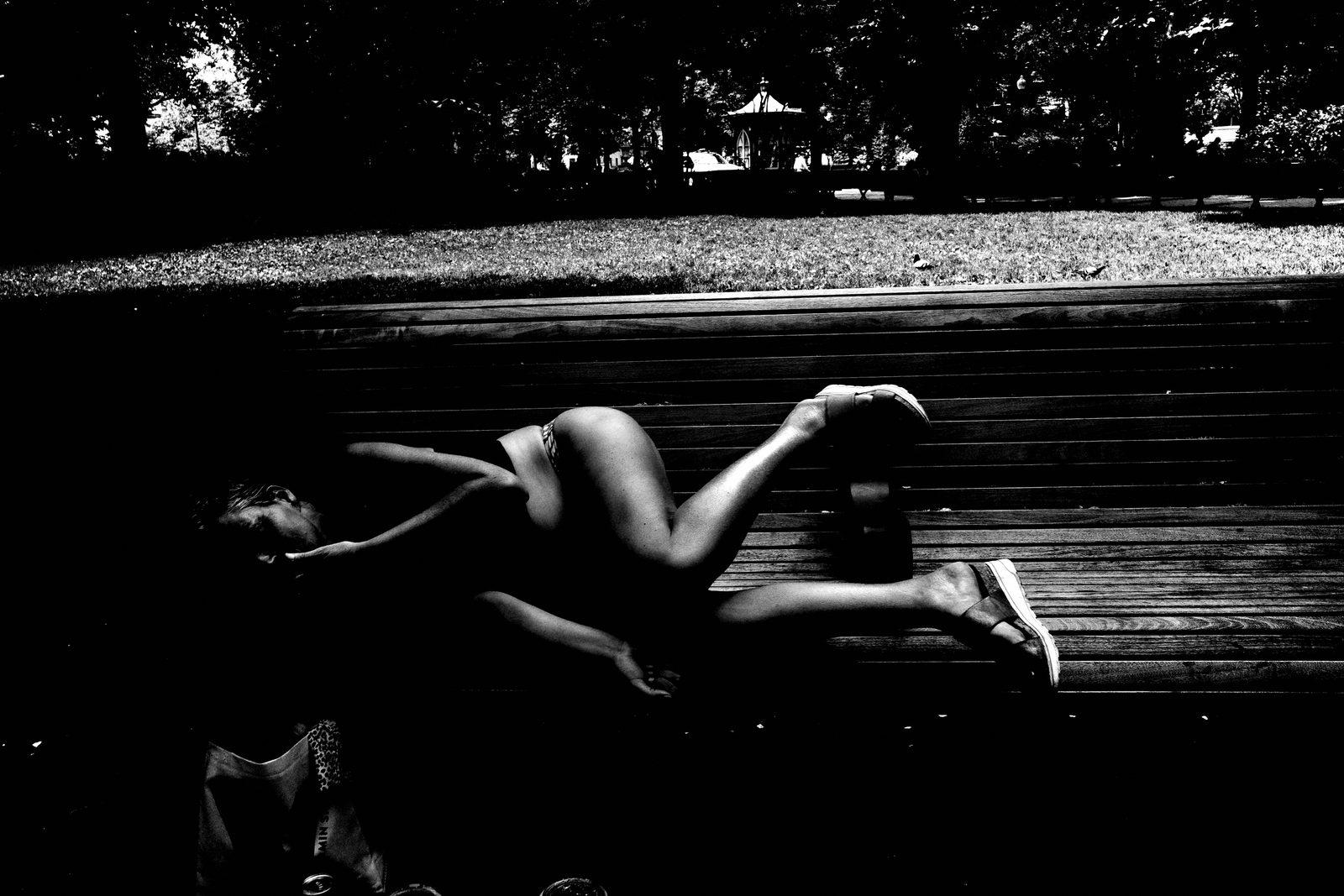
Then run a same-day publish challenge for one week. Shoot in the morning, have something published — a photo, a note, a short sequence — by end of day. It doesn't have to be your best work. It has to be out. Repetition builds the reflex, and the reflex builds the archive. "Publish, learn, evolve."
COMMON MISTAKES
Over-Engineering the System
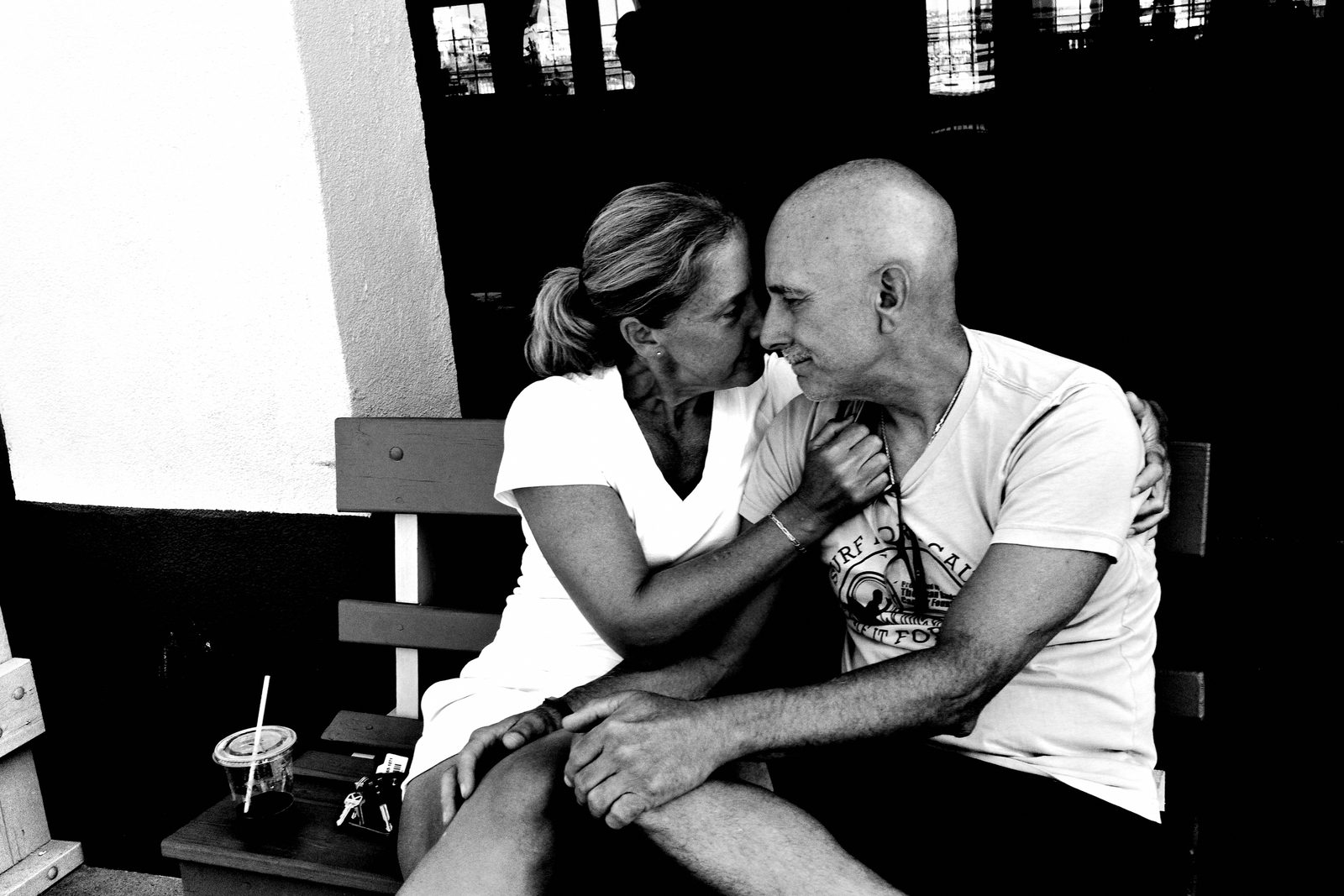
The most common mistake is over-engineering. Adding more tools, more software, more steps — believing that complexity equals quality. It doesn't. Every added step is a point of friction, and friction is procrastination in disguise. The best workflow is the one you'll actually run every single day without thinking. Keep it dumb simple.
Holding Work Back for Perfection
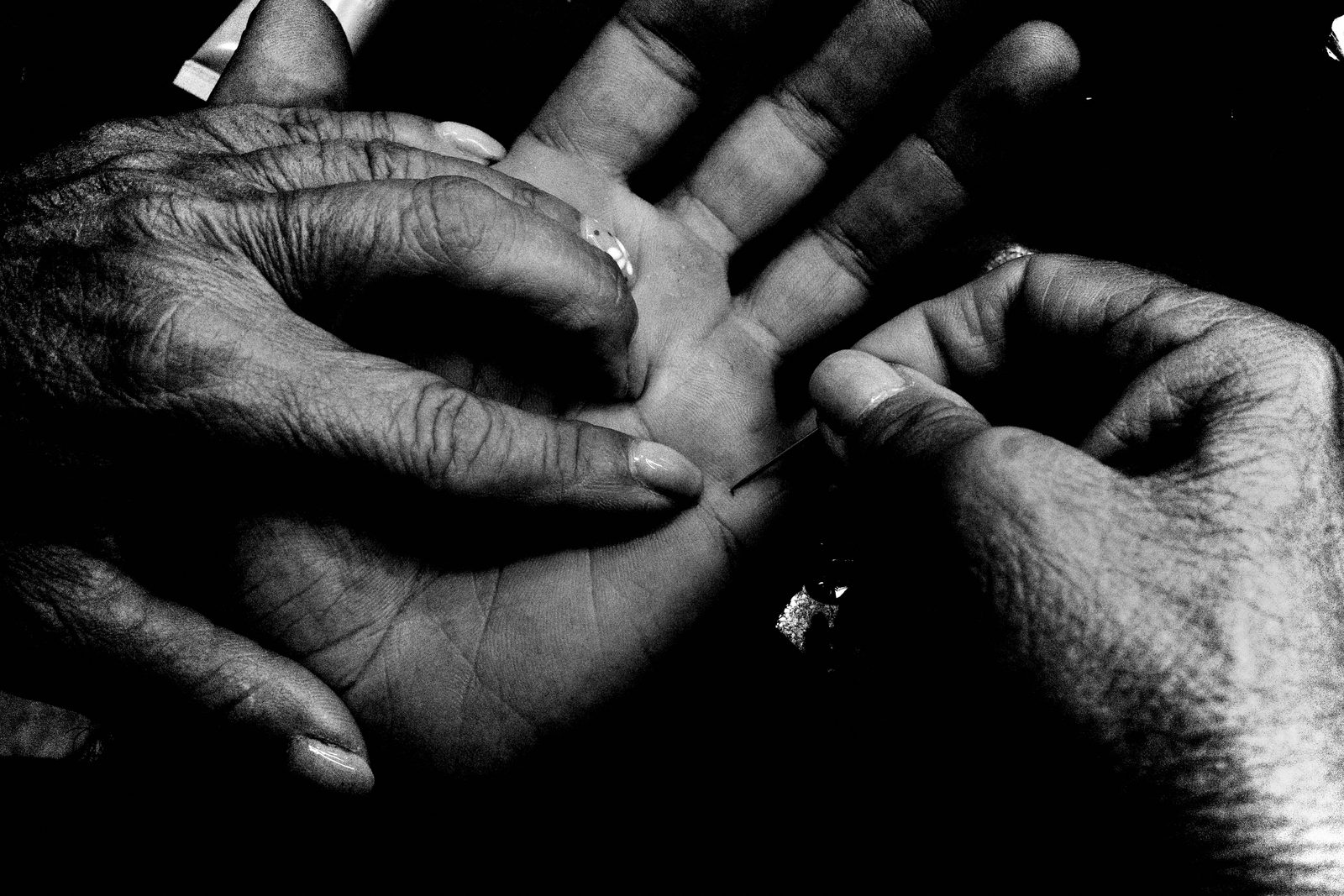
The other mistake: holding work back until it's perfect. There is no perfect. "Everything is a work in progress — publish, learn, evolve." Stagnation is sitting in front of the screen thinking. Motivation is moving your body, clicking the shutter, and hitting publish. Send it. Move on. The next day's work is already waiting for you.
RELATIONSHIP TO PREVIOUS
Building on the Speed Mindset
Lesson 047 gave us the gear philosophy — that less is more, that the right tool is the one you actually carry. This lesson takes that philosophy and turns it into a daily operating system. The pipeline is what makes minimal gear sustainable over the long run. It's not enough to own the right camera; you need the right chain to move the work from camera to world.
RELATIONSHIP TO UPCOMING
From Pipeline to Longevity
The pipeline keeps your work moving. But what keeps you moving? Lesson 049 takes on creative longevity — how to sustain a daily practice for years without burning out, losing the love, or running dry. The system we built today is the infrastructure; next lesson is about the fuel that runs through it.
SUMMARY / TAKEAWAY
Build the Chain, Free the Photographer
Last thing. The automated archive and publishing pipeline isn't a productivity hack — it's a freedom system. Ricoh GR in one pocket, iPad Pro in a bag, USB-C card reader, Photos app, Google Photos, your own WordPress site. Capture, cull, archive, publish — same day, every day. Remove the friction and what's left is the only thing that ever mattered: getting out there and making photographs. Build the chain. Free the photographer. Catch you in Lesson 049. Peace.